
Finding the best tablet for students with pen support can make studying much easier. A good tablet can replace notebooks for handwritten notes, help with PDFs and textbooks, support online classes, and make it easier to organize assignments and study materials.
The important thing is that the tablet should not only support a stylus — the pen should be included with the configuration you buy. That is why the five tablets in this guide were selected around pen-included options.
We compared their displays, processors, battery life, storage, note-taking features, portability, and overall value to help you find the right tablet for school, college, and everyday studying.
Affiliate Disclosure: We may earn a commission from qualifying purchases made through links in this article, at no extra cost to you.
Quick Comparison: Best Tablets for Students With Pen
| # | Tablet | Best For | Pen | Display | Battery | Check Price |
|---|---|---|---|---|---|---|
| 1 |
Lenovo Idea Tab Pro Gen 2
Best Performance
|
Performance & multitasking | Tab Pen Plus* | 13″ 3.5K, 144Hz | 10,200mAh | Check Price #1 |
| 2 |
Samsung Galaxy Tab S11
Best Premium
|
Premium studying | S Pen included | 11″ AMOLED, 120Hz | 8,400mAh | Check Price #2 |
| 3 |
Lenovo Idea Tab Pro
Best Large Display
|
Notes & multitasking | Tab Pen Plus* | 12.7″ 3K, 144Hz | 10,200mAh | Check Price #3 |
| 4 |
Samsung Galaxy Tab S10 FE
Best Value
|
Students & note-taking | S Pen included | 10.9″, 90Hz | 8,000mAh | Check Price #4 |
| 5 |
Lenovo Idea Tab Plus
Best Budget
|
Budget students | Tab Pen included | 12.1″ 2.5K, 90Hz | 10,200mAh | Check Price #5 |
1. Lenovo Idea Tab Pro Gen 2 — Best Performance
If performance is your biggest priority, the Lenovo Idea Tab Pro Gen 2 is the strongest choice in this group.
It uses the Snapdragon 8s Gen 4 processor and has a large 13-inch 3.5K display with a 144Hz refresh rate. That combination makes it useful for more than just note-taking — it can also handle demanding apps, multitasking and entertainment.
The large display is especially useful for students who regularly work with PDFs, textbooks and split-screen applications.
Why we recommend it
- Snapdragon 8s Gen 4 processor
- 13-inch 3.5K display
- 144Hz refresh rate
- 10,200mAh battery
- 45W charging
- Wi-Fi 7
- microSD expansion
- Quad JBL speakers
- Dolby Atmos
- Large screen for notes and documents
- Strong multitasking performance
Things to consider
This is one of the larger tablets in the comparison, so it isn’t as convenient to carry as a smaller 10- or 11-inch model.
Also, make sure the exact Amazon configuration you purchase includes the Tab Pen Plus, because pen availability can vary between configurations.
Check the latest price
2. Samsung Galaxy Tab S11 — Best Premium Tablet
The Samsung Galaxy Tab S11 is the premium option for students who want a high-end tablet with an excellent display and included S Pen.
Its 11-inch Dynamic AMOLED 2X display has a 120Hz refresh rate, making it excellent for reading, watching lectures, writing notes and entertainment.
The S Pen is included, making it particularly suitable for students who want to write directly on the screen rather than buying a separate stylus.
Why we recommend it
- S Pen included
- 11-inch Dynamic AMOLED 2X display
- 120Hz refresh rate
- MediaTek Dimensity 9400+
- 12GB memory configuration
- 8,400mAh battery
- 45W charging
- microSD support
- Premium build
- Excellent display for notes and media
- Strong performance
Things to consider
The main drawback is its premium positioning, which may put it beyond the budget of some students.
For students who mainly need a tablet for notes, PDFs and online classes, the cheaper Galaxy Tab S10 FE may offer better value.
Check the latest price
3. Lenovo Idea Tab Pro — Best Large Display
The Lenovo Idea Tab Pro is an excellent option for students who prefer a larger screen for note-taking and multitasking.
Its 12.7-inch 3K display offers a 144Hz refresh rate, giving you plenty of space for handwritten notes, PDFs, textbooks and split-screen apps.
It also uses the MediaTek Dimensity 8300, which provides strong performance for everyday student work and more demanding applications.
Why we recommend it
- 12.7-inch 3K display
- 144Hz refresh rate
- MediaTek Dimensity 8300
- Up to 12GB RAM
- 256GB storage configuration
- microSD support
- Quad JBL speakers
- Dolby Atmos
- 45W charging
- Large display for studying
- Tab Pen Plus available in pen-included bundles
Things to consider
The tablet is larger than the Galaxy Tab S10 FE, so portability is not its strongest point.
Also check the exact Amazon bundle before buying to confirm that the Tab Pen Plus is included.
Check the latest price
4. Samsung Galaxy Tab S10 FE — Best Value for Students
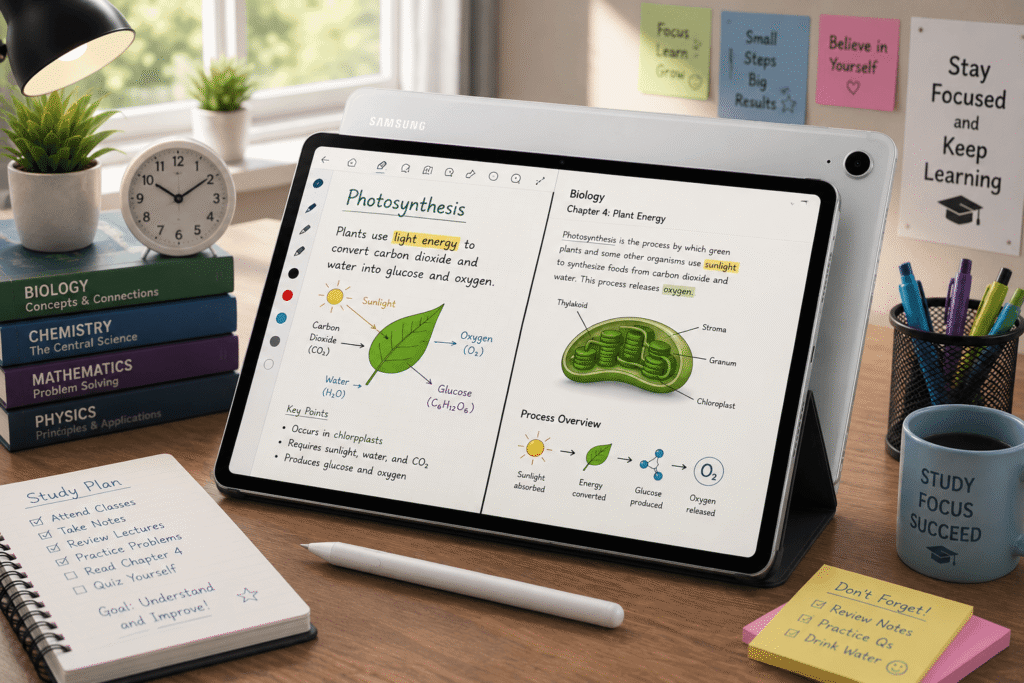
The Samsung Galaxy Tab S10 FE is arguably the best-balanced option for the average student.
The 128GB Wi-Fi configuration includes the S Pen, making it a convenient choice for students who want to take handwritten notes without purchasing a separate stylus.
It has a 10.9-inch display with a 90Hz refresh rate, an Exynos 1580 processor, 8GB RAM on the 128GB model and an 8,000mAh battery.
Why we recommend it
- S Pen included
- 10.9-inch display
- 90Hz refresh rate
- Exynos 1580 processor
- 8GB RAM on 128GB configuration
- microSD expansion
- 8,000mAh battery
- 45W charging
- IP68 water and dust resistance
- Handwriting Assist
- Math Solver
- Circle to Search
- Good portability
The student-specific software is one of its biggest advantages.
Handwriting Assist can help clean up handwritten notes, while Math Solver can work with handwritten equations.
The IP68 rating is also useful for students who regularly carry their tablet between classes and locations.
Things to consider
The Exynos 1580 is a mid-range processor, so this isn’t the best option for demanding gaming or heavy video editing.
The 90Hz display is also slower than the 120Hz and 144Hz panels on the more expensive tablets.
Check the latest price
5. Lenovo Idea Tab Plus — Best Budget Tablet With Pen
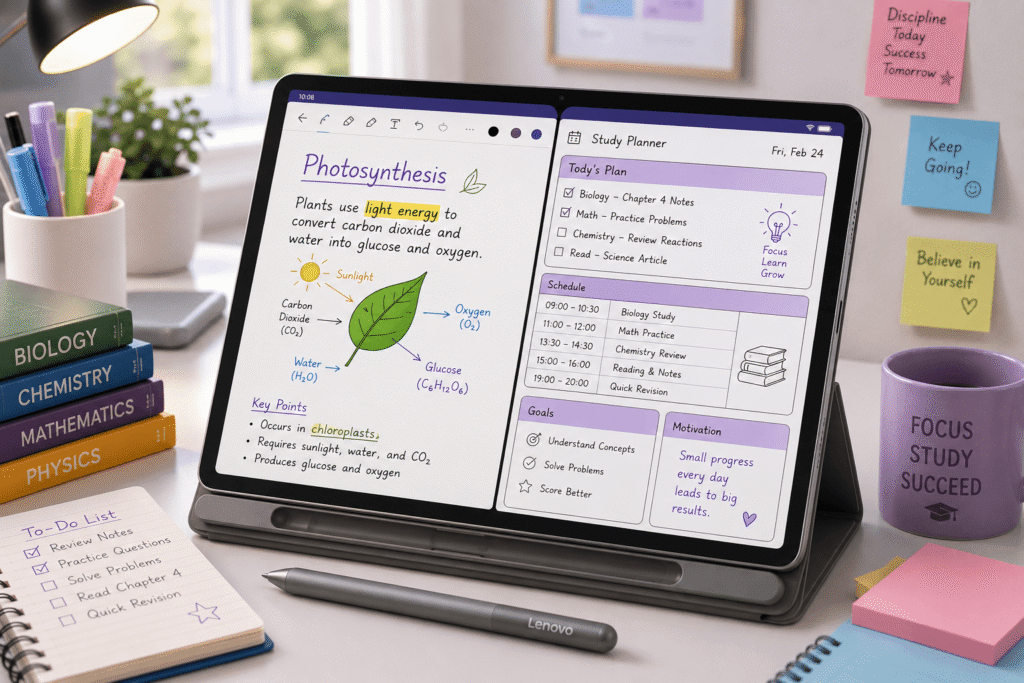
If you’re looking for the best budget tablet for students with pen, the Lenovo Idea Tab Plus is the most affordable option in this lineup.
The configuration includes both the Lenovo Tab Pen and Folio Case.
The tablet has a 12.1-inch 2.5K display, 90Hz refresh rate, 10,200mAh battery and 45W charging.
Why we recommend it
- Lenovo Tab Pen included
- Folio Case included
- 12.1-inch 2.5K display
- 90Hz refresh rate
- 10,200mAh battery
- 45W charging
- microSD expansion
- Four speakers
- Dolby Atmos
- Lenovo Notepad
- Squid
- Nebo
- MyScript Calculator
- Circle to Search
- Affordable price
The included note-taking and learning applications are particularly useful for students. The researched configuration includes Lenovo Notepad, Squid, Nebo and MyScript Calculator.
Things to consider
The MediaTek Dimensity 6400 is the weakest processor in this group. It’s suitable for note-taking, browsing, video streaming and everyday schoolwork, but it’s not designed for demanding gaming or heavy multitasking.
The tablet is splash resistant rather than fully IP68 rated, and only two major Android OS updates are guaranteed according to the researched specifications.
Check the latest price
What Makes a Good Student Tablet With Pen?
A tablet for students should do more than simply support a stylus. The overall experience matters.
If you’re also considering a tablet for gaming, see our guide to the best Android tablet for gaming in 2026, where we compare five options for gaming performance and value.
Pen Included
This is one of the most important things to check before buying.
Some tablets support a stylus but don’t include one. Adding a separate pen can significantly increase the total cost.
The tablets in this guide were selected around configurations where the pen is included, but always check the exact Amazon bundle before ordering.
Display
A good display makes reading PDFs, textbooks and handwritten notes more comfortable.
A larger 12- or 13-inch display gives you more room for multitasking, while a smaller 10- or 11-inch tablet is generally easier to carry around campus.
Battery Life
Students may use their tablets throughout the school or college day, so battery capacity matters.
The tablets in this comparison range from the 8,000mAh Galaxy Tab S10 FE to the 10,200mAh Lenovo models.
Storage
Students can accumulate a lot of PDFs, documents, lecture recordings and other files.
A tablet with microSD expansion can be particularly useful if you want to increase storage later.
Note-Taking Software
The software experience can be just as important as the hardware.
The Galaxy Tab S10 FE has features such as Handwriting Assist and Math Solver, while the Lenovo Idea Tab Plus includes several note-taking and learning applications.
Which Tablet Is Best for Students?
Best Overall
Samsung Galaxy Tab S10 FE
It offers the best combination of price, S Pen support, student features, durability, storage expansion and portability.
Best Premium
Samsung Galaxy Tab S11
Choose this if you want a premium AMOLED display, powerful performance and the S Pen experience.
Best Performance
Lenovo Idea Tab Pro Gen 2
This is the strongest choice if you want your tablet to handle demanding applications as well as studying.
Best Large Display
Lenovo Idea Tab Pro
Its 12.7-inch 3K 144Hz display is excellent for notes, PDFs and multitasking.
Best Budget
Lenovo Idea Tab Plus
With the Lenovo Tab Pen and Folio Case included in the configuration, it offers useful accessories and features for students on a budget.
Final Verdict
The best tablet for students with pen depends on your budget and how you plan to use it.
For most students, the Samsung Galaxy Tab S10 FE is the best overall choice. It combines an included S Pen with useful student features, expandable storage, IP68 protection and a good battery.
If you want the best budget option, the Lenovo Idea Tab Plus is worth considering because the researched configuration includes both the pen and folio case.
For students who want more performance, the Lenovo Idea Tab Pro Gen 2 is the stronger choice. And if you want the most premium experience, the Samsung Galaxy Tab S11 is the step-up option.
Our Ranking
- Samsung Galaxy Tab S10 FE — Best Overall
- Lenovo Idea Tab Pro Gen 2 — Best Performance
- Samsung Galaxy Tab S11 — Best Premium
- Lenovo Idea Tab Pro — Best Large Display
- Lenovo Idea Tab Plus — Best Budget