
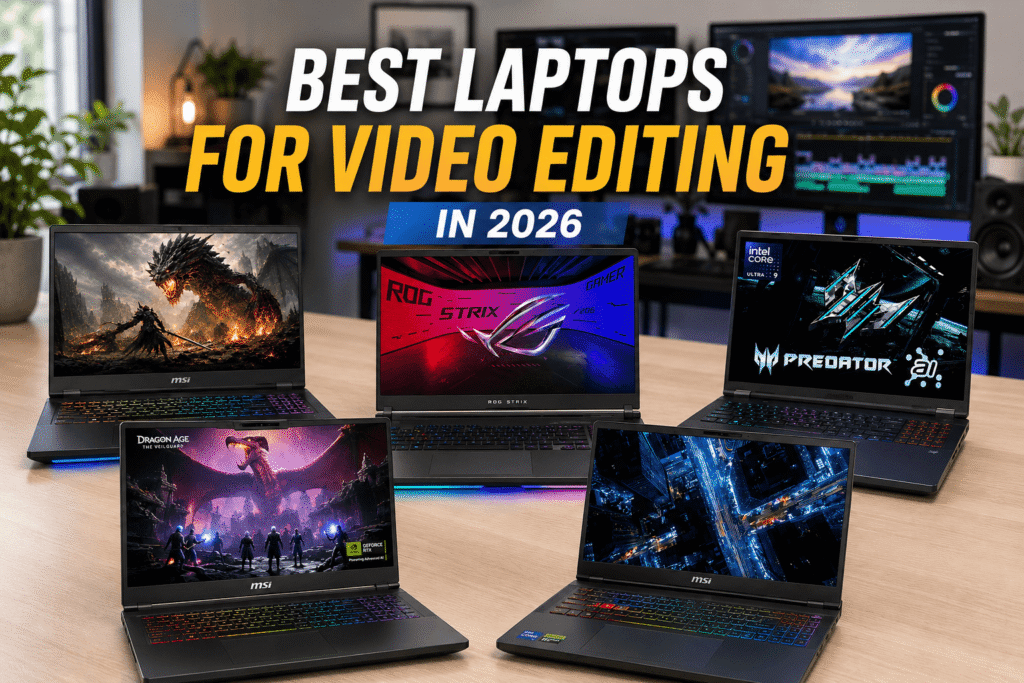
Introduction
Choosing the right laptop for video editing isn’t only about buying the most powerful model. CPU and GPU performance, RAM, storage, and display quality all matter, especially when working with 4K footage, effects, color grading, and large projects.
We researched five laptops with different strengths, from a more affordable RTX 5060 option to a powerful RTX 5080 model. All five configurations also offer 100% DCI-P3 displays, making them particularly interesting for creators who care about color.
Affiliate Disclosure: We may earn a commission from qualifying purchases made through links in this article, at no extra cost to you.
Quick Comparison Table
| Laptop | CPU | GPU / VRAM | RAM | SSD | Display | Buy |
|---|---|---|---|---|---|---|
|
MSI Vector 16 Best Overall |
Intel Core Ultra 9 275HX |
RTX 5070 Ti 12GB |
32GB | 2TB |
16″ QHD+ 240Hz 100% DCI-P3 |
Check Price |
|
Acer Predator Helios Neo 18 Best Large-Screen Value |
Intel Core Ultra 9 275HX |
RTX 5070 Ti 12GB |
32GB | 2TB |
18″ WQXGA 240Hz 100% DCI-P3 |
Check Price |
|
MSI Vector 16 RTX 5080 Best Performance |
Intel Core Ultra 9 275HX |
RTX 5080 16GB |
32GB | 2TB |
16″ QHD+ 240Hz 100% DCI-P3 |
Check Price |
|
ASUS ROG Strix Scar 18 Best Display |
Intel Core Ultra 9 275HX |
RTX 5070 Ti 12GB |
32GB | 1TB |
18″ 2.5K 240Hz 100% DCI-P3 1200 nits |
Check Price |
|
MSI Katana 15 HX Best Budget |
Intel Core i7- 14650HX |
RTX 5060 8GB |
16GB Upgradeable |
1TB |
15.6″ QHD 165Hz 100% DCI-P3 |
Check Price |
What Makes a Good Laptop for Video Editing?
GPU Performance
The GPU is important for GPU-accelerated effects, rendering, encoding, and other demanding video-editing workloads.
For heavier projects, an RTX 5070 Ti or RTX 5080 provides more performance headroom than an RTX 5060. However, the GPU isn’t the only factor; CPU performance, RAM, cooling, and storage also matter.
CPU Performance
A powerful CPU helps with encoding, rendering, multitasking, and CPU-heavy effects.
The laptops in our higher-end selections use the Intel Core Ultra 9 275HX, while the MSI Katana 15 HX uses the Core i7-14650HX.
RAM and Storage
For basic editing, 16GB RAM can be enough, but 32GB is a better target for demanding 4K projects and multitasking.
Storage is also important because video files can quickly consume space. A 2TB SSD gives you more room for footage and project files than a 1TB drive.
Display Quality
A good editing display should offer more than a high refresh rate.
All five laptops in our selection have 100% DCI-P3 coverage, according to the configurations we researched. QHD, QHD+, WQXGA, and 2.5K resolutions also provide a sharp workspace for editing.
Brightness is another advantage for editors who work in different environments.
5 Best Laptops for Video Editing in 2026
1. MSI Vector 16 — Best Overall Laptop for Video Editing
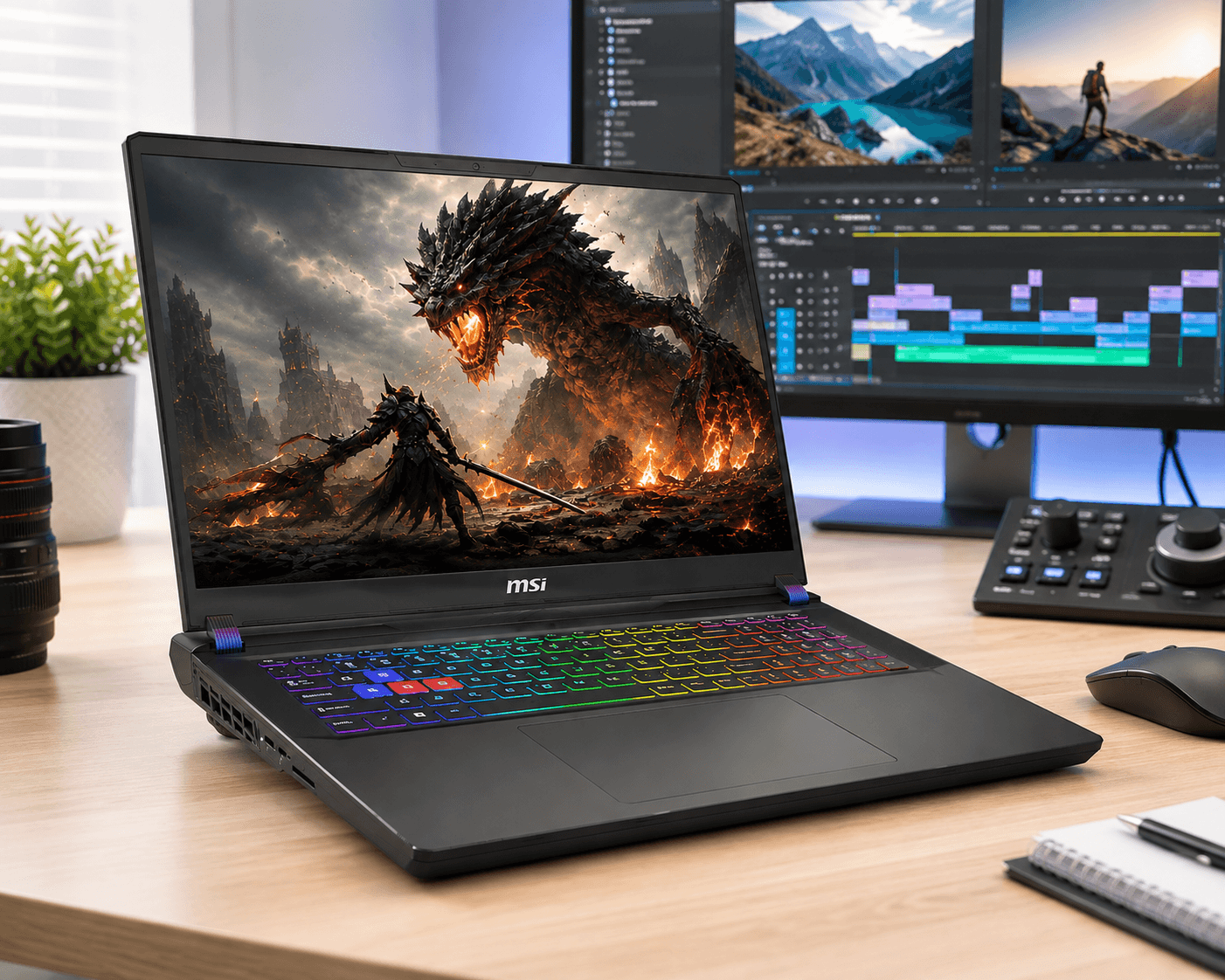
The MSI Vector 16 is our Best Overall pick because it provides a strong balance of performance, display quality, memory, and storage.
The configuration we researched combines an Intel Core Ultra 9 275HX processor with an RTX 5070 Ti, 32GB RAM, and 2TB SSD. Its 16-inch QHD+ display also offers 240Hz refresh rate and 100% DCI-P3 coverage.
Why We Picked It
- Intel Core Ultra 9 275HX
- RTX 5070 Ti with 12GB VRAM
- 32GB RAM
- 2TB SSD
- 16-inch QHD+ display
- 240Hz refresh rate
- 100% DCI-P3
Who Should Buy It?
A strong choice for creators who want serious video-editing performance without moving up to an RTX 5080 laptop.
Who Should Skip It?
If you mainly edit short 1080p videos for social media, this level of performance may be more than you need.
Check Price2. Acer Predator Helios Neo 18 — Best Large-Screen Value
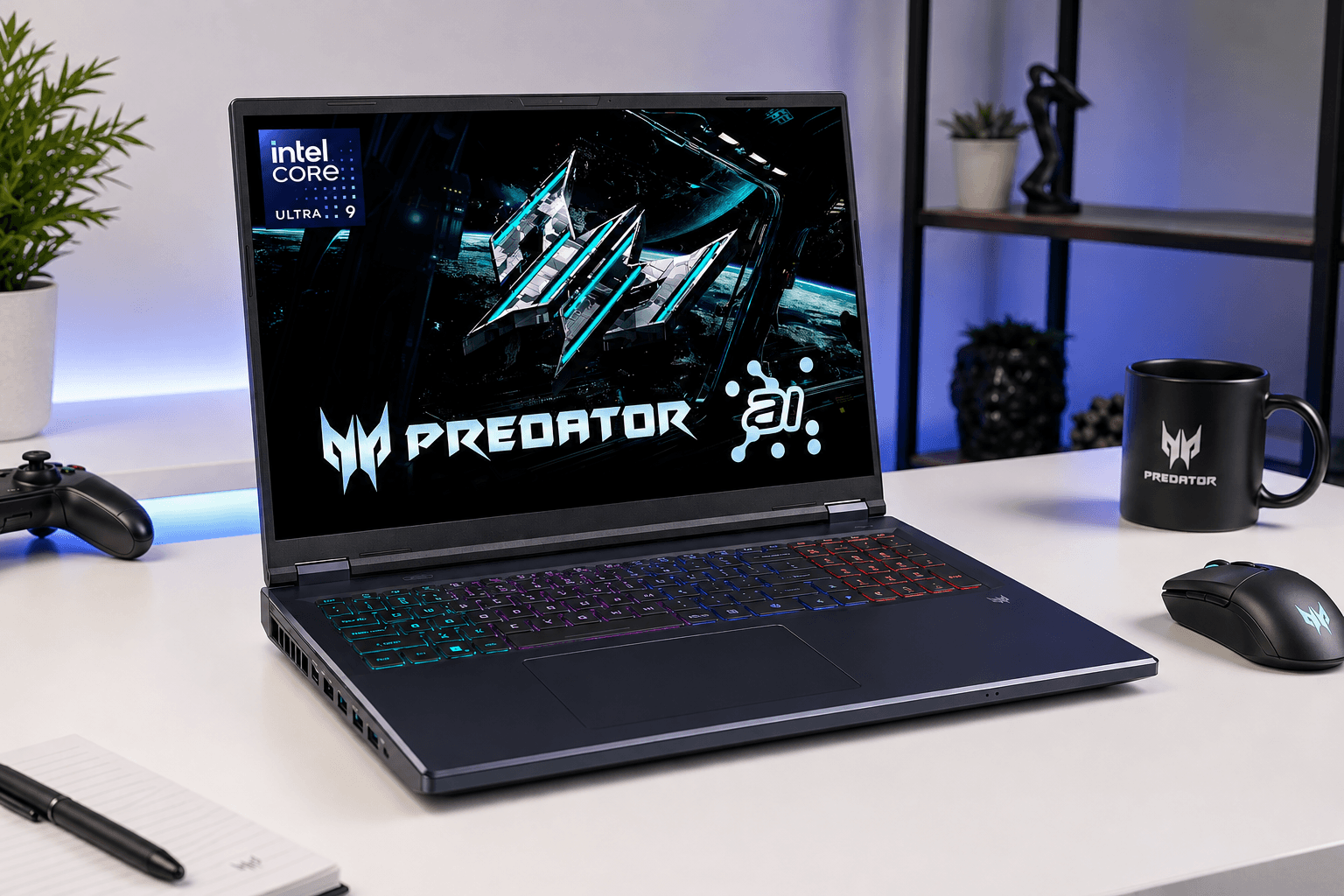
The Acer Predator Helios Neo 18 is an interesting choice for editors who want a large workspace.
Its 18-inch WQXGA display provides more room for editing timelines, previews, and media panels. The configuration we researched includes an Intel Core Ultra 9 275HX, RTX 5070 Ti, 32GB RAM, and 2TB SSD.
Why We Picked It
- Intel Core Ultra 9 275HX
- RTX 5070 Ti with 12GB VRAM
- 32GB RAM
- 2TB SSD
- 18-inch WQXGA display
- 240Hz refresh rate
- 100% DCI-P3
Who Should Buy It?
Choose this if you prioritize screen size and editing workspace over portability.
Who Should Skip It?
Its large size makes it less convenient if you frequently travel with your laptop.
Check Price3. MSI Vector 16 RTX 5080 — Best Performance
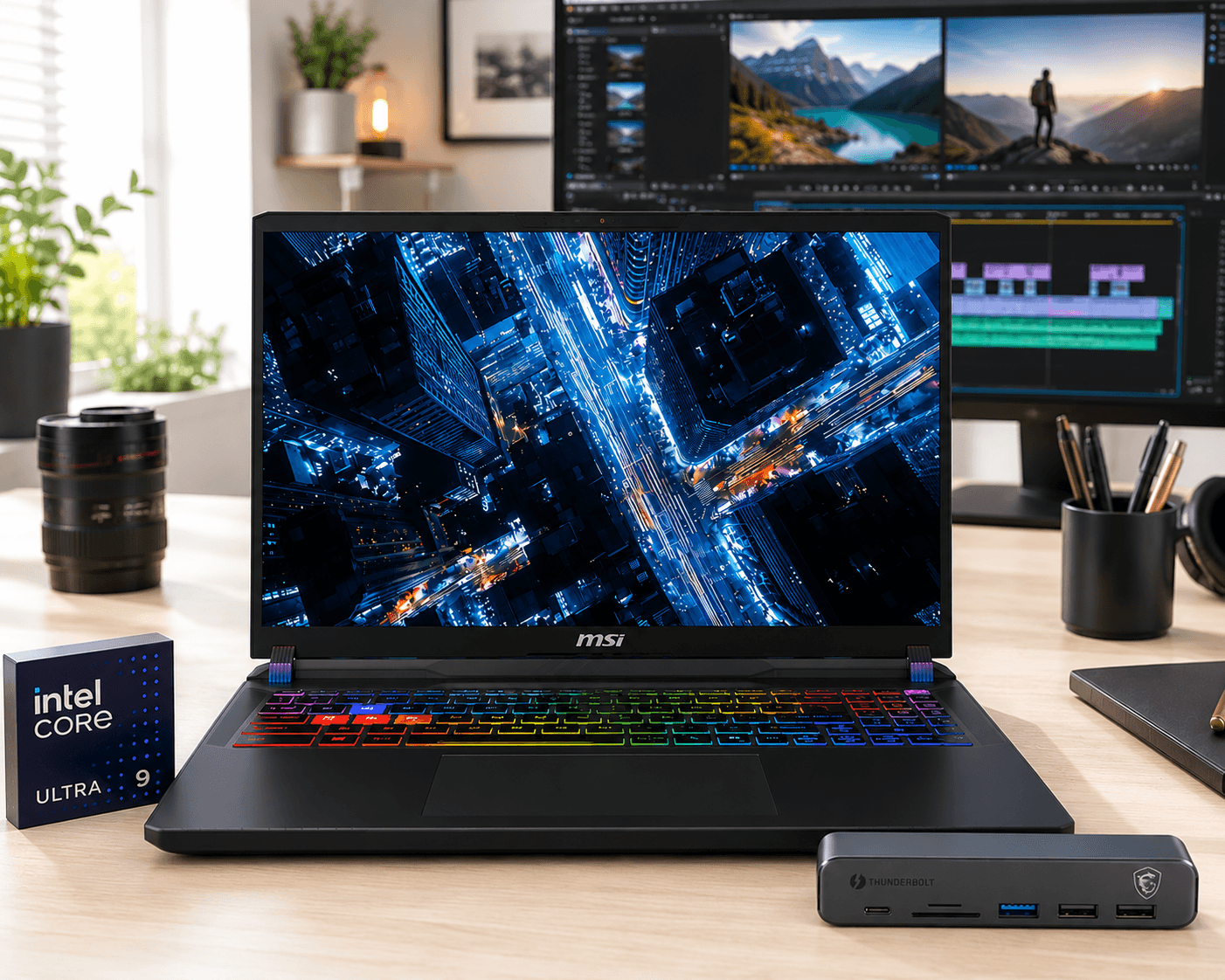
If maximum performance is your priority, the MSI Vector 16 RTX 5080 is the most powerful option in our selection.
The configuration we researched combines an Intel Core Ultra 9 275HX with an RTX 5080 featuring 16GB of GPU memory, 32GB RAM, and a 2TB SSD.
Why We Picked It
- Intel Core Ultra 9 275HX
- RTX 5080 with 16GB VRAM
- 32GB RAM
- 2TB SSD
- 16-inch QHD+ display
- 240Hz refresh rate
- 100% DCI-P3
Who Should Buy It?
Best suited to creators working with 4K footage, complex effects, demanding timelines, and GPU-intensive workloads.
Who Should Skip It?
This is a high-performance option aimed at demanding creative workflows. If you don’t need the additional GPU performance, the RTX 5070 Ti model may be a more suitable choice.
Check Price4. ASUS ROG Strix Scar 18 — Best Display for Video Editing
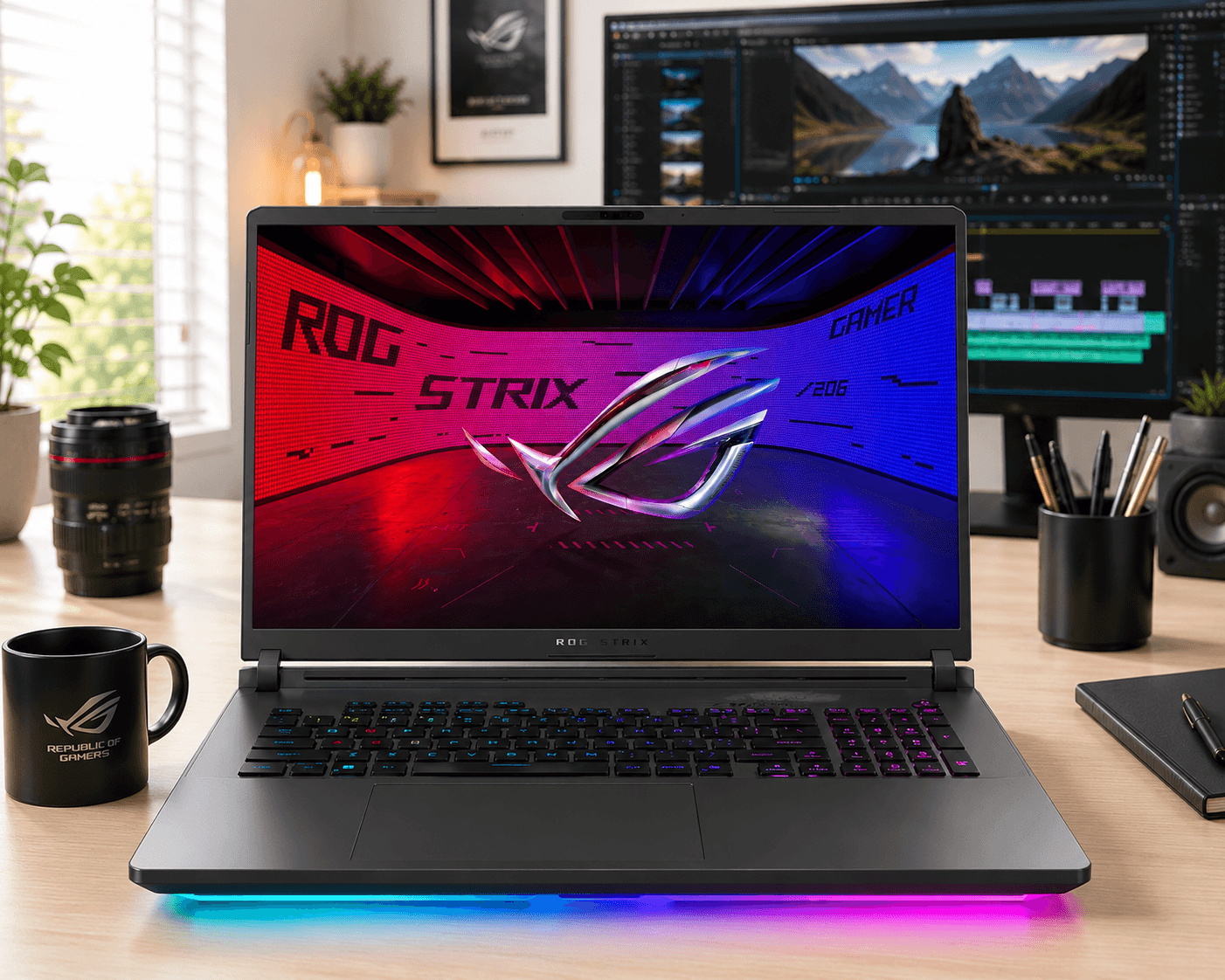
The ASUS ROG Strix Scar 18 stands out with its large, bright display and powerful hardware.
The configuration we researched features an Intel Core Ultra 9 275HX, RTX 5070 Ti, 32GB RAM, and 1TB SSD. Its 18-inch 2.5K display offers 240Hz, 100% DCI-P3, and up to 1200 nits brightness.
Why We Picked It
- Intel Core Ultra 9 275HX
- RTX 5070 Ti with 12GB VRAM
- 32GB RAM
- 1TB SSD
- 18-inch 2.5K display
- 240Hz refresh rate
- 100% DCI-P3
- Up to 1200 nits brightness
Who Should Buy It?
Choose it if display quality, brightness, and a large editing workspace are major priorities.
Who Should Skip It?
Its large display and powerful hardware are most useful for creators who specifically need those advantages. If you don’t need the larger display, the MSI Vector 16 is another option to consider.
Check Price5. MSI Katana 15 HX — Best Budget Laptop for Video Editing
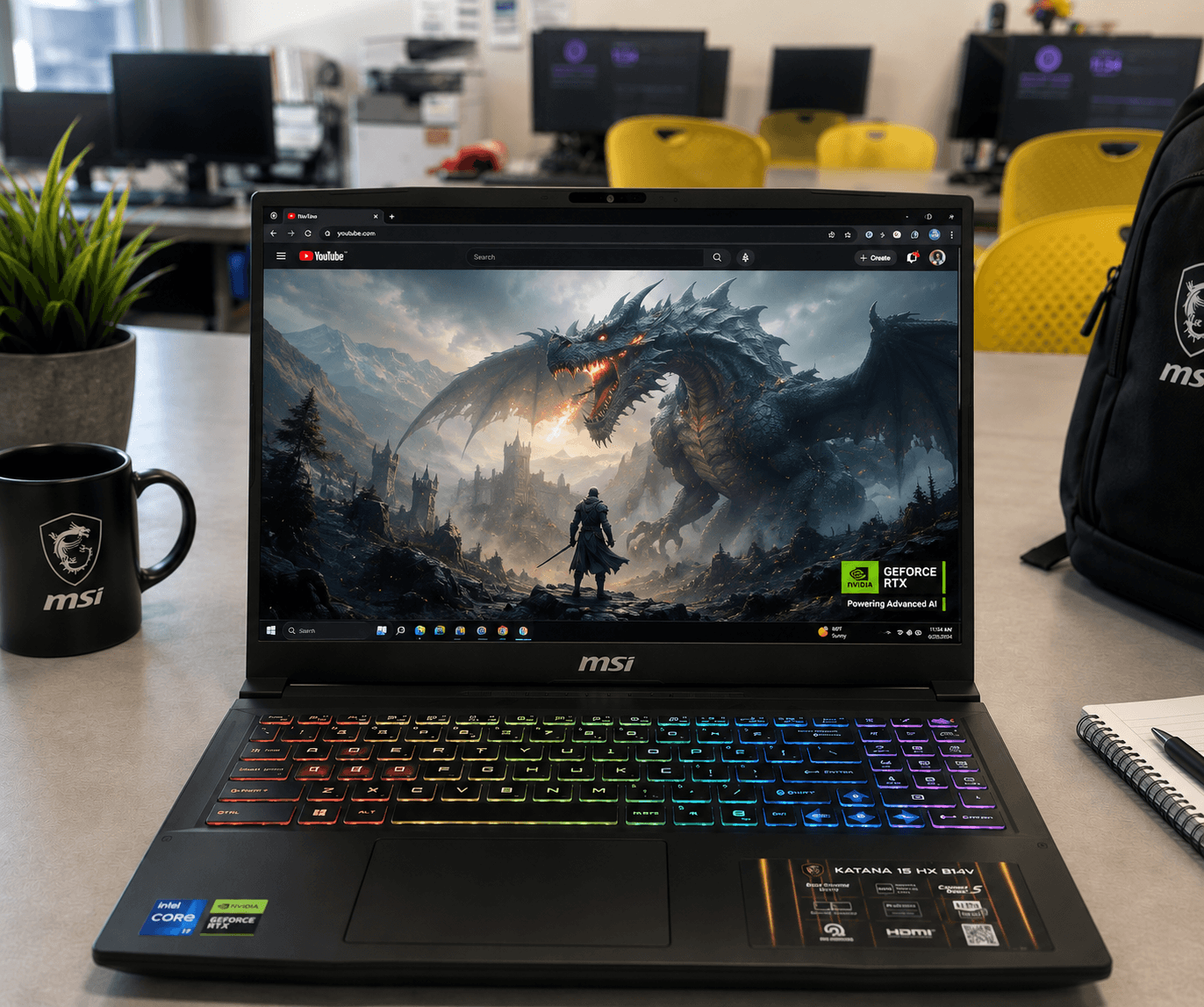
The MSI Katana 15 HX is our budget pick for creators who want capable video-editing hardware in a more accessible configuration.
The configuration we researched includes an Intel Core i7-14650HX, RTX 5060, 16GB DDR5 RAM, and 1TB NVMe SSD. The 15.6-inch QHD display also offers 100% DCI-P3 coverage.
Why We Picked It
- Intel Core i7-14650HX
- RTX 5060 with 8GB VRAM
- 16GB DDR5 RAM
- 1TB NVMe SSD
- 15.6-inch QHD display
- 165Hz refresh rate
- 100% DCI-P3
- Upgradeable memory
Who Should Buy It?
A good choice for creators who want a capable editing laptop for 1080p projects, social media videos, and everyday creative workloads without needing the higher-end GPU configurations above.
Who Should Skip It?
For demanding 4K projects with heavy effects, the RTX 5070 Ti and RTX 5080 models provide more performance headroom. The 16GB RAM configuration is also less comfortable for demanding workloads than the 32GB options above.
Check PriceWhich Laptop Should You Buy?
Best Overall: MSI Vector 16 RTX 5070 Ti — the best balance of performance, display, RAM, and storage.
Best Large-Screen Value: Acer Predator Helios Neo 18 — ideal if you want more screen space for editing.
Best Performance: MSI Vector 16 RTX 5080 — the choice for demanding GPU-heavy projects.
Best Display: ASUS ROG Strix Scar 18 — excellent choice if display quality and brightness are priorities.
Best Budget: MSI Katana 15 HX — the most affordable option in our selection.
Is 16GB RAM Enough for Video Editing?
16GB can work for basic editing and lighter 1080p projects, but 32GB is a better choice for serious 4K editing, large projects, and multitasking.
The MSI Katana 15 HX starts with 16GB but supports memory upgrades, giving you the option to increase RAM later.
Is an RTX GPU Good for Video Editing?
Yes. RTX GPUs can help with GPU-accelerated effects, rendering, encoding, and other demanding workloads.
An RTX 5060 is suitable for many moderate workloads, while an RTX 5070 Ti or RTX 5080 provides more performance for demanding 4K projects and complex effects.
Do You Need a 4K Display for Video Editing?
Not necessarily.
QHD, QHD+, WQXGA, and 2.5K displays can provide plenty of detail and workspace for video editing.
For many editors, color coverage, brightness, contrast, and calibration are more important than simply having a 4K resolution.
All five laptops in this article offer 100% DCI-P3 based on the configurations we researched.
Is a Gaming Laptop Good for Video Editing?
Yes. Gaming laptops can be excellent for video editing because they often combine powerful CPUs, dedicated GPUs, fast SSDs, plenty of RAM, and capable cooling.
The main disadvantages are usually weight, size, and battery life compared with thinner creator-focused laptops.
FAQ
What is the best laptop for video editing in 2026?
Our best overall pick is the MSI Vector 16 with an RTX 5070 Ti, 32GB RAM, 2TB storage, and a 100% DCI-P3 display. It offers a strong balance of performance and features.
How much RAM do I need for video editing?
16GB can work for basic editing, but 32GB is a better target for demanding 4K projects, large timelines, and multitasking.
Is 100% DCI-P3 good for video editing?
Yes. 100% DCI-P3 provides a wide color gamut that is useful for color-focused creative work. However, brightness, contrast, and calibration also affect overall display quality.
Is an RTX 5060 enough for video editing?
An RTX 5060 can handle many 1080p and moderate video-editing workloads. For demanding 4K projects and heavy effects, an RTX 5070 Ti or RTX 5080 provides more performance headroom.
Do video editors need a powerful GPU?
A powerful GPU can help with GPU-accelerated effects, rendering, encoding, and other demanding workloads. The ideal GPU depends on your editing software and the type of projects you create.
Is a gaming laptop good for video editing?
Yes. Gaming laptops often provide powerful processors, dedicated graphics, fast storage, and strong cooling, making them suitable for video editing. They can be heavier and less portable than creator-focused laptops.