

Finding the best gaming laptops under $1,000 in 2026 means balancing graphics performance, cooling, memory, display quality, and storage. A laptop with an impressive processor can still struggle in demanding games if its graphics card is weak or its cooling system cannot maintain performance.
For most buyers, an NVIDIA GeForce RTX 4050 laptop with 16GB of RAM is a sensible starting point. However, prices vary significantly between configurations and sellers, so check the exact model before purchasing.
In this guide, we compare five gaming laptops from MSI, Lenovo, HP, and Acer, focusing on their strengths, limitations, and the type of gamer each one suits.
Important: Prices can change, and some models below were above $1,000 in our research. Those are conditional alternatives, not guaranteed under-budget recommendations. Check the live listing before buying.
Affiliate Disclosure: We may earn a commission from qualifying purchases made through links in this article, at no extra cost to you.
Quick Comparison: Gaming Laptops Under $1,000
The table compares five gaming laptops by graphics hardware, memory, and their intended use. Some models are alternatives to consider if their configurations and prices fit your budget. Check the current Amazon listing for pricing, availability, seller details, and specifications before purchasing.
| Laptop | Best For | GPU | RAM | Price Information | Check Price |
|---|---|---|---|---|---|
| MSI Thin A15 | Budget candidate | RTX 3050 4GB | 16GB DDR5 | Check current price | Check Price |
| Lenovo LOQ 15 | Potential overall value | RTX 4050 6GB | 16GB DDR5 | Check current price | Check Price |
| HP Victus 15 Ryzen 7 | Potential RTX 4050 value | RTX 4050 6GB | 16GB listed | Check current price | Check Price |
| HP Victus 15 Ryzen 5 | Budget alternative | Radeon RX 6550M | 16GB DDR5 | Check current price | Check Price |
| Acer Nitro 16 | Cooling and display | RTX 4050 6GB | 8GB DDR5 | Check current price | Check Price |
Prices and availability can change. Check the current Amazon listing for pricing, seller details, availability, and the exact laptop configuration before buying.
1. MSI Thin A15 — Best Budget Candidate
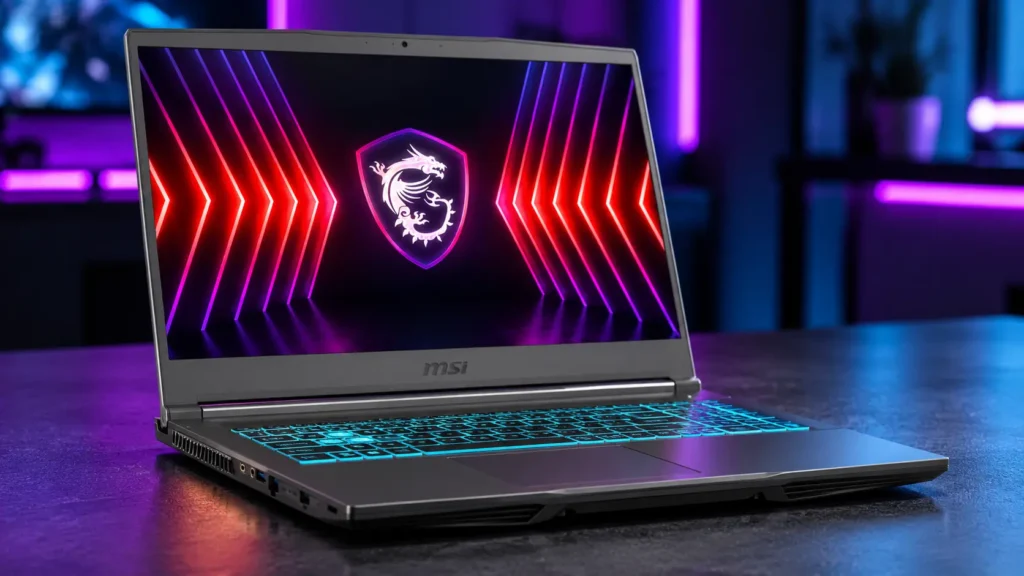
Graphics: NVIDIA GeForce RTX 3050 4GB
he MSI Thin A15 B7UC-473US features an NVIDIA GeForce RTX 3050 graphics card with 4GB of VRAM, an AMD Ryzen 5 7535HS processor, 16GB of DDR5 RAM, and a 512GB SSD. Its 15.6-inch Full HD display supports a 144Hz refresh rate.
The 16GB memory configuration is a useful starting point for gaming and everyday multitasking. The high-refresh-rate display can also make compatible games feel smoother, particularly in competitive titles.
The main compromise is the RTX 3050 graphics card with 4GB of VRAM. This entry-level GPU is less capable than newer options such as the RTX 4050, so demanding modern games may require reduced graphics settings. If you find an RTX 4050 laptop at a similar price, compare the graphics performance and overall specifications before deciding.
Pros
- 16GB DDR5 RAM for gaming and multitasking
- 15.6-inch Full HD display with a 144Hz refresh rate
- AMD Ryzen 5 7535HS processor
- NVIDIA GeForce RTX 3050 dedicated graphics
- Wi-Fi 6E and a backlit keyboard
Cons
- RTX 3050 has 4GB of VRAM
- 512GB SSD may fill quickly with large games
- Display color coverage should be verified for creative work
- Check the seller and warranty details on the current listing
Who should buy it?
Consider the MSI Thin A15 if you want a gaming laptop for esports, older games, and newer titles at adjusted graphics settings. Before buying, check its current price and compare it with similarly configured RTX 4050 laptops. Make sure the final price fits your budget.
Check the latest price
Check Price on Amazon2. Lenovo LOQ 15 — Potential Best Overall Value
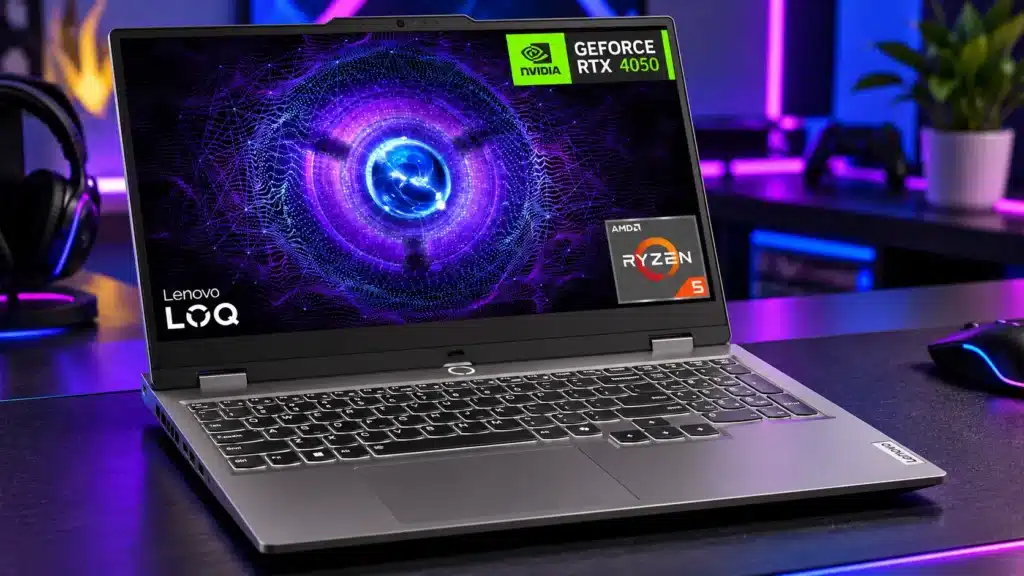
Graphics: NVIDIA GeForce RTX 4050 6GB
sere buyinThe Lenovo LOQ 15 is a promising alternative for buyers looking for stronger graphics hardware than the RTX 3050. The researched configuration combines an AMD Ryzen 5 7235HS processor, an NVIDIA GeForce RTX 4050 laptop GPU with 6GB of VRAM, 16GB of DDR5 RAM, and a 512GB SSD.
Its 144Hz Full HD display, G-SYNC support, Ethernet port, and broad port selection make it worth considering for a gaming desk setup. The listing also describes upgradeable RAM and storage, which could help extend its useful life.
There are two important caveats. First, this model may exceed your $1,000 budget, depending on the current listing and configuration. Second, verify the exact processor, memory, graphics card, and other specifications on the product page before purchasing.
Pros
- NVIDIA GeForce RTX 4050 with 6GB of VRAM
- 16GB DDR5 memory
- 144Hz display with G-SYNC support
- HDMI 2.1 and Ethernet connectivity
- Potential RAM and SSD upgrade options
Cons
- May exceed the $1,000 budget
- Ryzen 5 7235HS has four CPU cores
- 512GB SSD may be limiting for a large game library
- Seller, warranty, and exact configuration require verification
Who should buy it?
Consider the Lenovo LOQ 15 if you prioritize graphics performance and want an RTX 4050 gaming laptop for modern games. Before buying, compare its current price with other RTX 4050 models and confirm that the processor, memory, display, and warranty match your requirements.g.
Check the latest price
Check Price on Amazon3. HP Victus 15 Ryzen 7 — Potential Best RTX 4050 Alternative
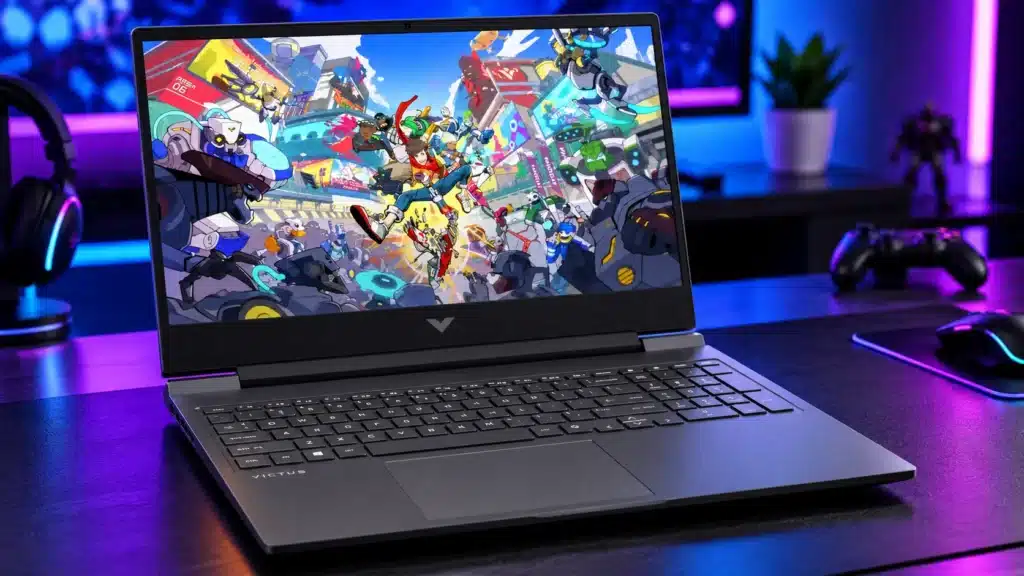
Graphics: NVIDIA GeForce RTX 4050 6GB
ice dropsThe HP Victus 15 Ryzen 7 configuration is worth considering if you want an NVIDIA GeForce RTX 4050 graphics card for gaming. The researched listing describes a 15.6-inch Full HD display with a 144Hz refresh rate, 16GB of RAM, and a 512GB SSD.
The RTX 4050 makes this model worth comparing against older RTX 3050 laptops, particularly if graphics performance is your priority. The display is also listed with AMD FreeSync Premium support, while the backlit keyboard and numeric keypad are useful for everyday work.
Before purchasing, verify the exact processor, RAM capacity and type, graphics card, seller, and warranty on the current product listing. Laptop configurations can differ, and the available information contained inconsistencies that need checking.
Pros
- NVIDIA GeForce RTX 4050 with 6GB of VRAM, according to the researched listing
- 16GB RAM listed
- 15.6-inch Full HD display with a 144Hz refresh rate
- AMD FreeSync Premium listed
- Backlit keyboard with numeric keypad
Cons
- May exceed the $1,000 budget
- Processor and memory details need verification
- 512GB SSD may limit storage for a large game library
- Seller and warranty details require checking
Who should buy it?
Consider this HP Victus 15 if you want an RTX 4050 gaming laptop for modern games and everyday productivity. Compare its current price and verified specifications against other RTX 4050 models before buying, especially if you need to stay within a $1,000 budget. below $1,000 and the exact configuration is confirmed. It could be a more attractive gaming option than an RTX 3050 laptop at a similar price.
Check the latest price
Check Price on Amazon4. HP Victus 15 Ryzen 5 — Alternative for Budget Gaming
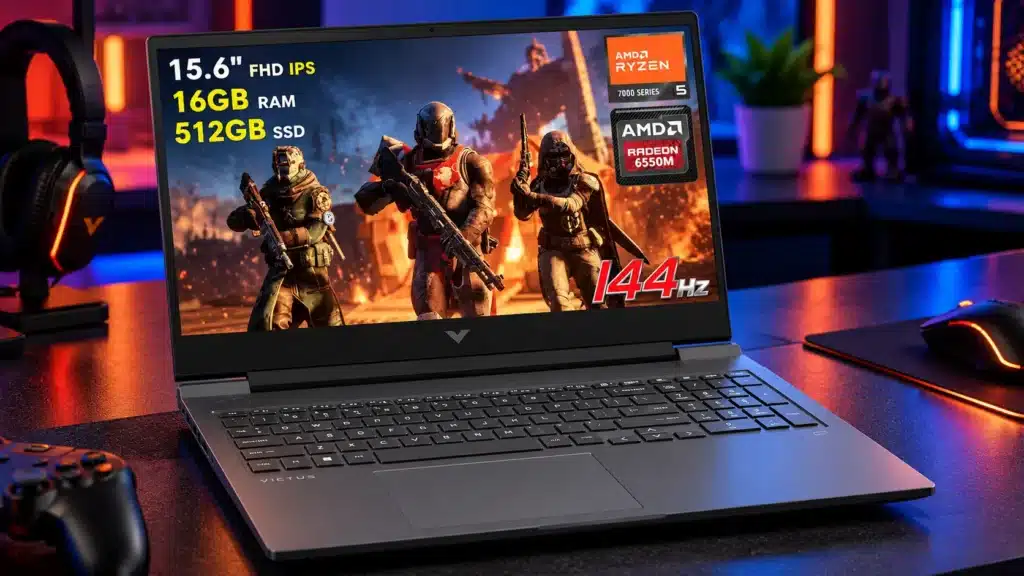
Graphics: AMD Radeon RX 6550M
This HP Victus 15 configuration features an AMD Ryzen 5 7535HS processor, 16GB of DDR5 RAM, and a dedicated AMD Radeon RX 6550M graphics card.
It includes a 15.6-inch Full HD anti-glare display with a 144Hz refresh rate and FreeSync Premium. Its listed connectivity options include HDMI, Ethernet, USB-C, and an SD card reader. Verify the exact ports and features on the product listing, as configurations can vary.
The Radeon RX 6550M is an older entry-level dedicated GPU, so compare independent gaming benchmarks before choosing it over alternatives such as RTX 4050 laptops. Gaming performance depends on the title, graphics settings, and the laptop’s power and cooling limits.
The researched Amazon listing had only three customer reviews. That small sample is not enough to establish the laptop’s long-term reliability, so check more recent customer feedback and warranty information before purchasing.
Pros
- AMD Ryzen 5 7535HS processor
- 16GB DDR5 RAM listed
- 15.6-inch Full HD display with a 144Hz refresh rate
- FreeSync Premium listed
- Backlit keyboard and useful connectivity options
Cons
- Older entry-level Radeon RX 6550M graphics
- Limited customer reviews on the researched listing
- 512GB SSD may fill quickly with modern games
- Verify GPU memory, ports, and upgrade options
Who should buy it?
Consider this HP Victus 15 if you prefer its design and high-refresh-rate display for budget-conscious gaming. Compare its current price and real-world gaming performance against RTX 4050 alternatives before buying, particularly if you want to stay under $1,000.
Check the latest price
Check Price on Amazon5. Acer Nitro 16 — Potential Best Cooling and Display Features
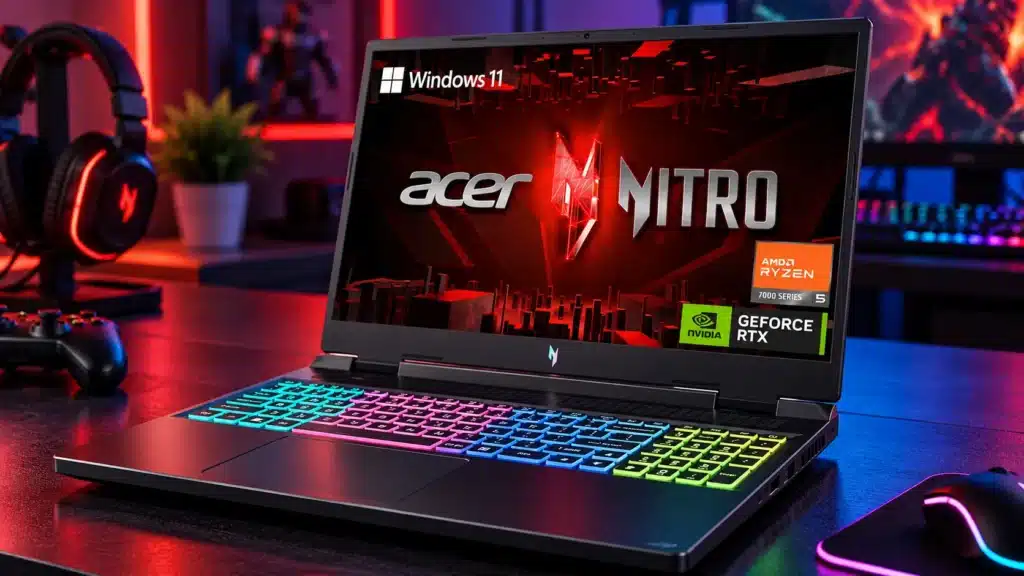
Graphics: NVIDIA GeForce RTX 4050 6GB
The Acer Nitro 16 AN16-41-R148 combines an AMD Ryzen 5 7640HS processor, NVIDIA GeForce RTX 4050 graphics, and a 16-inch WUXGA display with a 165Hz refresh rate.
The researched specifications describe a cooling system with dual fans, multiple exhaust vents, and liquid-metal thermal compound between the CPU and heatsink. The listed connectivity options include USB-C with USB4 support, HDMI 2.1, Ethernet, and a MicroSD card reader. Verify these features against the exact configuration before purchasing.
One important limitation is the 8GB of RAM in the researched configuration. This may restrict performance in some modern games and multitasking scenarios. If you choose this model, check whether the memory is upgradeable and factor the cost of a compatible upgrade to 16GB into your budget.
The laptop’s display and cooling features make it worth considering, but compare its current price with other RTX 4050 gaming laptops. Don’t assume a price available only through a credit-card approval offer is available to every buyer.
Pros
- NVIDIA GeForce RTX 4050 with 6GB of VRAM, according to the researched specifications
- 16-inch WUXGA display with a 165Hz refresh rate
- Dual-fan cooling system described in the listing
- USB4 and HDMI 2.1 listed
- Ethernet and MicroSD card reader listed
Cons
- May exceed the $1,000 budget
- Only 8GB RAM in the researched configuration
- Battery capacity and real-world battery life should be verified
- Customer ratings may vary as more reviews are added
- Promotional financing or credit-card offers may have eligibility requirements
Who should buy it?
Consider the Acer Nitro 16 if you want an RTX 4050 gaming laptop with a large, high-refresh-rate display. Before buying, check the current listing price, confirm the exact specifications, and determine whether a RAM upgrade is practical. Compare the total cost against other gaming laptops with 16GB of memory already installed.
Check the latest price
Check Price on AmazonWhat Should You Look for in a Gaming Laptop Under $1,000?
Choosing a gaming laptop isn’t just about buying the model with the largest processor number. These are the features worth comparing before you spend your money.
1. Graphics Card and VRAM
The GPU has a major effect on gaming performance. An RTX 4050 laptop GPU with 6GB of VRAM is generally a more appealing starting point for modern gaming than an RTX 3050 with 4GB, although actual performance depends on power limits, cooling, and the game.
Look for independent gaming benchmarks where possible. GPU wattage, or TGP, also matters because two laptops with the same GPU name can perform differently.
2. RAM: Aim for 16GB
For a new gaming laptop in this price range, 16GB of RAM is a practical target. Some models ship with only 8GB to keep the price low, so check whether memory can be upgraded and whether the upgrade fits your budget.
3. Display Refresh Rate
A 144Hz or 165Hz display can make motion look smoother than a 60Hz screen, particularly in competitive games. However, a high refresh rate does not guarantee high frame rates; the GPU must be powerful enough to deliver them.
4. Cooling and Sustained Performance
Gaming laptops generate considerable heat under load. A well-designed cooling system helps the processor and graphics card maintain performance during longer sessions.
Look for independent reviews that test temperatures, fan noise, and sustained gaming performance instead of relying only on marketing claims.
5. Storage and Upgradeability
A 512GB SSD is common at this price, but several large games can consume much of that capacity. A second M.2 slot or an accessible SSD upgrade can be useful.
Check the exact configuration before purchasing, since upgrade options can differ between models and variants.
6. Battery Life and Portability
Gaming laptops generally perform best when connected to power, and battery life during gaming is often limited. If you regularly travel with your laptop, compare weight, charger size, battery capacity, and everyday-use battery tests.
Frequently Asked Questions
Is an RTX 4050 laptop better than an RTX 3050 laptop?
Generally, the RTX 4050 laptop GPU is the more attractive option for modern gaming, with newer features and 6GB of VRAM in the configurations discussed here. However, the exact laptop’s power limit, cooling, and price still matter.
Is 8GB RAM enough for gaming in 2026?
Eight gigabytes is a limiting starting point for many modern games. Aim for 16GB where possible, or confirm that the laptop supports a practical memory upgrade.
Is a 144Hz gaming laptop worth buying?
Yes, particularly for fast-paced games, provided the GPU can deliver suitable frame rates. The refresh rate is only one part of the experience; response time, brightness, color quality, and graphics performance also matter.
Can you buy a good gaming laptop under $1,000?
Yes, but the available options depend on current discounts and exact configurations. Compare new prices, GPU performance, RAM, cooling, and warranty terms rather than relying on a product’s advertised maximum discount.
Should you buy a gaming laptop with 512GB storage?
It can be sufficient to start, but modern games can be large. Look for an upgradeable SSD or an additional storage slot if you expect to install several large games.
Do gaming laptops perform well without being plugged in?
They can handle everyday tasks on battery, but gaming performance and battery life are often reduced when unplugged. For demanding games, using the supplied power adapter is generally the better choice.
Final Verdict
For buyers seeking a gaming laptop under $1,000, the most important step is comparing the exact configuration and current price.
The MSI Thin A15 was one of the clearest under-budget candidates in our research, although its RTX 3050 graphics are a compromise. The HP Victus 15 Ryzen 5 also fit the budget at its researched price, but its older Radeon graphics deserve careful comparison.
The Lenovo LOQ 15 and HP Victus RTX 4050 configurations are worth watching for price drops. The Acer Nitro 16 has appealing display and cooling features, but its 8GB RAM configuration and above-budget regular price make it a conditional choice.
Before purchasing, verify the exact GPU, RAM, seller, warranty, and live price. If an RTX 4050 laptop with 16GB of RAM is available below $1,000, compare it carefully against older-GPU alternatives.
Prices and availability can change. Check the live listing before buying.