
Introduction
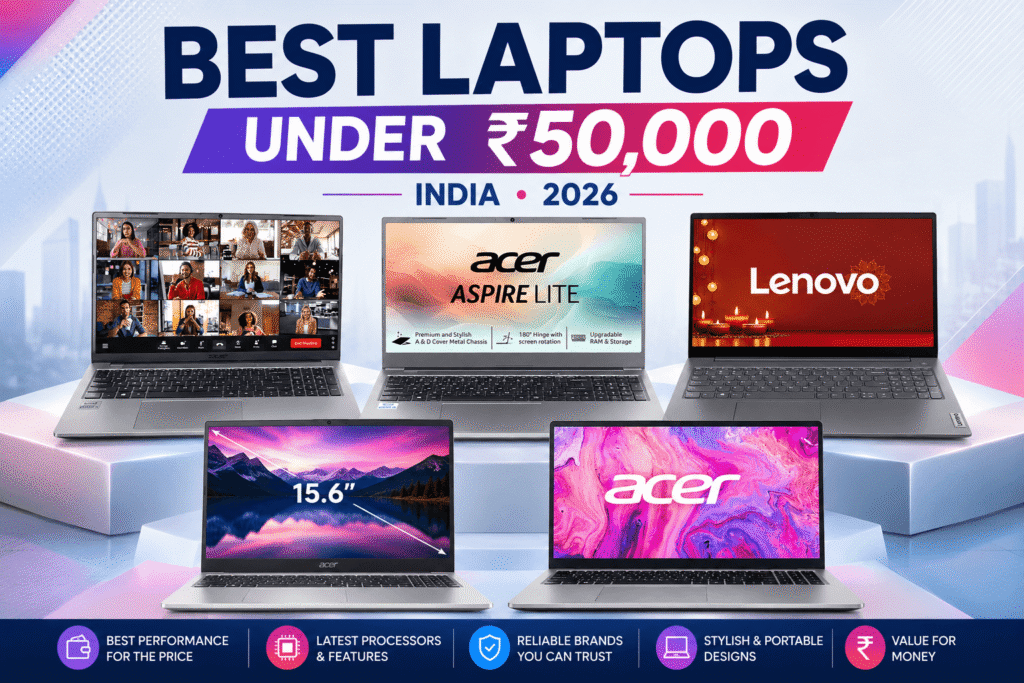
Finding the best laptop under 50000 in India can be difficult. At this budget, you need to balance processor performance, RAM, storage, display quality, battery life, and upgradeability.
We researched five affordable laptops from Acer and Lenovo to find options suitable for students, office work, browsing, online classes, and everyday computing.
Our picks include models with IPS displays, 512GB SSDs, upgradeable memory, and different strengths to suit your needs. Compare their specifications and features to find the right laptop for your requirements.
Affiliate Disclosure: We may earn a commission from qualifying purchases made through links in this article, at no extra cost to you.
Quick Comparison Table
| Laptop | Processor | Graphics | RAM | Storage | Display | Buy |
|---|---|---|---|---|---|---|
|
Acer Aspire Lite AL15-53 Best Overall |
Intel Core 3-100U | Intel UHD Graphics | 8GB DDR4 Up to 32GB |
512GB SSD | 15.6″ FHD IPS | Check Price |
|
Acer Aspire Lite AL15-41 Best Upgrade Value |
AMD Ryzen 3 7330U | AMD Radeon Graphics | 8GB DDR4 Up to 32GB |
256GB SSD Up to 1TB |
15.6″ FHD IPS | Check Price |
|
Lenovo V15 G4 Best Budget + Office |
AMD Ryzen 3 7320U | AMD Radeon 610M | 8GB LPDDR5 Up to 16GB |
512GB SSD | 15.6″ FHD | Check Price |
|
Acer Aspire Lite AL15-52 Best Battery & Upgrade |
Intel Core i3-1215U | Intel UHD Graphics | 8GB DDR4 Up to 64GB |
512GB SSD Up to 1TB |
15.6″ FHD IPS | Check Price |
|
Acer One 15 Best Cheap 512GB |
AMD Ryzen 3 7320U | AMD Radeon 610M | 8GB LPDDR5 Not upgradeable |
512GB SSD | 15.6″ FHD | Check Price |
What to Look for in a Laptop Under ₹50,000
Processor Performance
The processor is one of the most important components to consider when buying a budget laptop.
The laptops in our selection use entry-level Intel Core and AMD Ryzen processors. They are suitable for everyday tasks such as web browsing, Microsoft Office, online classes, video calls, document editing, and general multitasking.
However, these laptops use integrated graphics rather than dedicated GPUs, so they aren’t intended for demanding gaming or heavy graphics-intensive workloads.
RAM and Upgradeability
RAM affects how smoothly your laptop handles multiple applications at the same time.
While 8GB RAM is common in this category, it can become limiting if you regularly keep many browser tabs and applications open.
That’s why upgradeability is important.
Some laptops in our list allow you to increase the RAM later. The Acer Aspire Lite AL15-53 and AL15-41 support upgrades up to 32GB, while the AL15-52 has a stated maximum of 64GB.
If you plan to keep your laptop for several years, an upgradeable model can be a better long-term choice.
Storage
A 512GB SSD is a good storage target for a laptop in this category.
It provides enough space for Windows, applications, documents, photos, and other everyday files without immediately requiring an external drive.
The Acer Aspire Lite AL15-41 starts with a smaller 256GB SSD but supports storage expansion, while the other selections provide 512GB storage.
If you store a lot of large files, also consider whether the laptop allows you to upgrade the SSD later.
Display Quality
The display is important if you’ll spend several hours reading, studying, working, or watching videos.
A Full HD resolution is a sensible choice for everyday laptop use because it provides a clear image for reading and working.
An IPS panel can also provide better viewing angles than a basic panel.
Among our selections, the Acer Aspire Lite AL15-53, AL15-41, and AL15-52 feature Full HD IPS displays.
Battery Life and Portability
Battery capacity and laptop weight are important if you regularly carry your laptop to college, work, or other locations.
The Lenovo V15 G4 weighs around 1.57 kg and has a 65Wh battery, making it one of the lighter options in this selection.
The Acer Aspire Lite AL15-53 and AL15-41 are also around 1.59 kg.
If portability is important, weight can be just as important as battery capacity.
5 Best Laptops Under ₹50,000 in India
1. Acer Aspire Lite AL15-53 — Best Overall Laptop Under ₹50,000
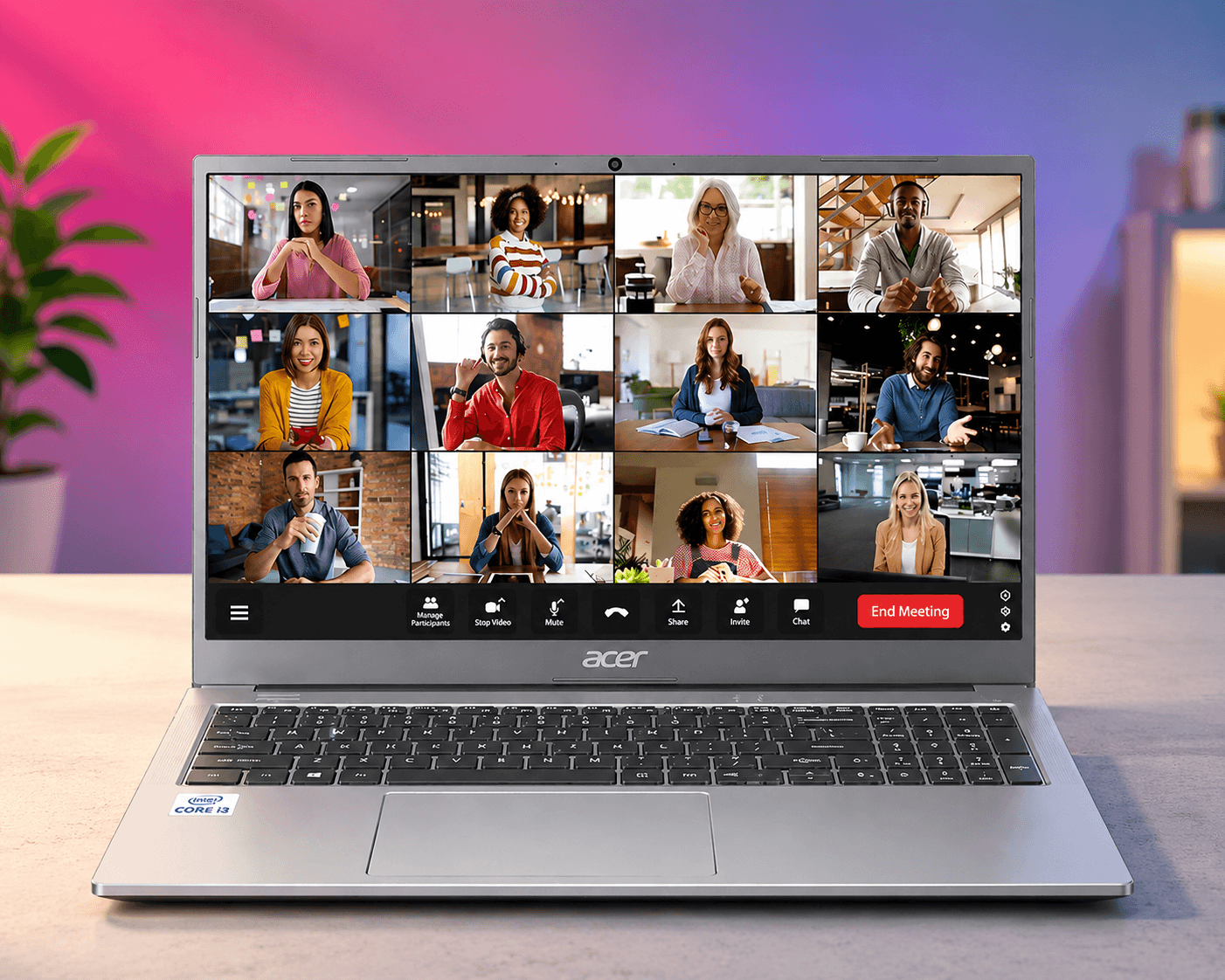
The Acer Aspire Lite AL15-53 is our Best Overall pick because it combines a capable processor, 512GB SSD, Full HD IPS display, upgradeable RAM, and useful connectivity in a well-rounded configuration.
It uses an Intel Core 3-100U processor with 8GB DDR4 RAM and a 512GB NVMe SSD. The RAM can be upgraded to 32GB, while storage can be expanded to 1TB.
Why We Picked It
- Intel Core 3-100U processor
- 8GB DDR4 RAM, upgradeable to 32GB
- 512GB SSD
- 15.6-inch Full HD IPS display
- Intel UHD Graphics
- USB-C with DisplayPort and Power Delivery
- Backlit keyboard
- 1.59 kg weight
Who Should Buy It?
A good choice for students, office users, and everyday users who want a balanced laptop with useful upgrade options.
Who Should Skip It?
It isn’t designed for serious gaming or demanding GPU-intensive workloads.
Check Price on Amazon2. Acer Aspire Lite AL15-41 — Best Upgrade Value
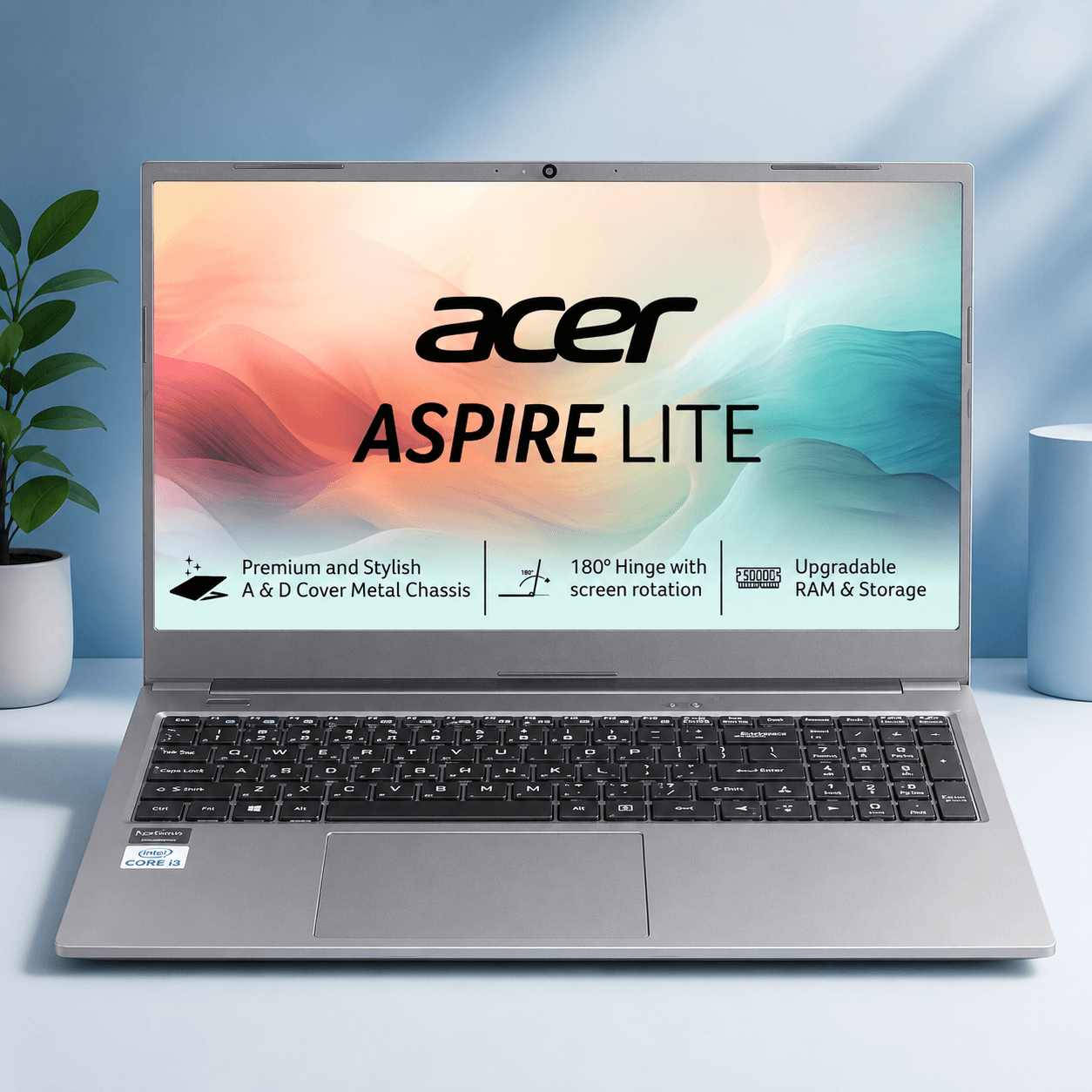
The Acer Aspire Lite AL15-41 is an attractive option for buyers who care about future upgrades and want flexibility as their storage and memory requirements grow.
It uses an AMD Ryzen 3 7330U processor with 8GB DDR4 RAM and a 256GB SSD. RAM can be upgraded to 32GB and storage to 1TB.
Why We Picked It
- AMD Ryzen 3 7330U
- 8GB DDR4 RAM, upgradeable to 32GB
- 256GB SSD, expandable to 1TB
- 15.6-inch Full HD IPS display
- AMD Radeon Graphics
- Wi-Fi 6
- Metal body
Who Should Buy It?
Choose it if you want a laptop with good upgrade potential for everyday computing, study, and office tasks.
Who Should Skip It?
If you need more storage immediately, a 512GB model may be more convenient.
Check Price on Amazon3. Lenovo V15 G4 — Best Budget + Office Laptop
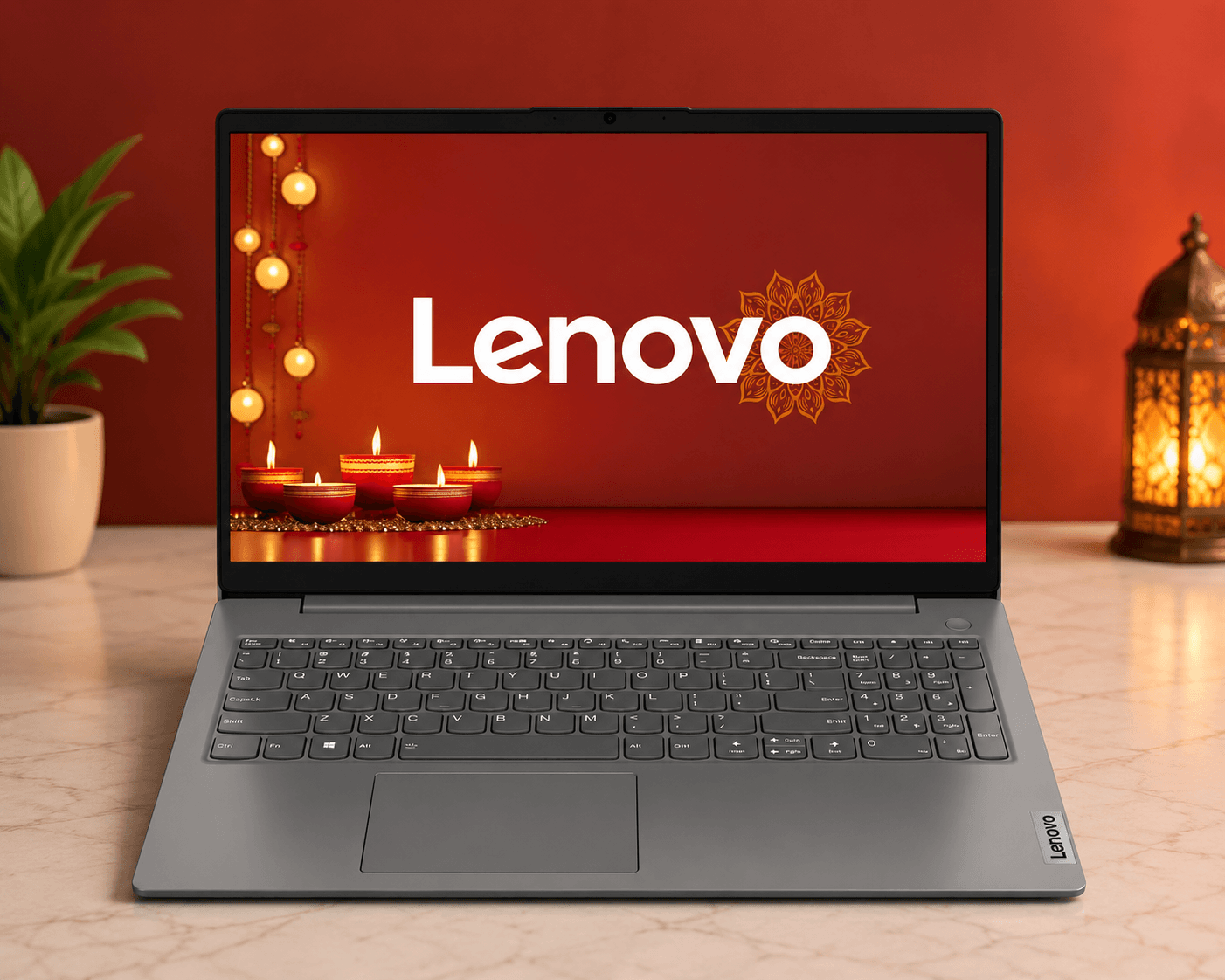
The Lenovo V15 G4 is a practical option for students and office users who want 512GB storage, a lightweight design, and bundled Microsoft Office.
It uses an AMD Ryzen 3 7320U processor, 8GB LPDDR5 RAM, 512GB SSD, and AMD Radeon 610M integrated graphics.
Why We Picked It
- AMD Ryzen 3 7320U
- 8GB LPDDR5 RAM
- 512GB SSD
- 15.6-inch Full HD display
- AMD Radeon 610M graphics
- 65Wh battery
- 1.57 kg weight
- Wi-Fi 6
- Microsoft Office 2021 included
Who Should Buy It?
A good fit for students and office users who want 512GB storage, a lightweight design, and Office software.
Who Should Skip It?
The 8GB RAM is less suitable for heavy multitasking, and the integrated graphics aren’t designed for demanding gaming.
Check Price on Amazon4. Acer Aspire Lite AL15-52 — Best Battery & Upgrade Path
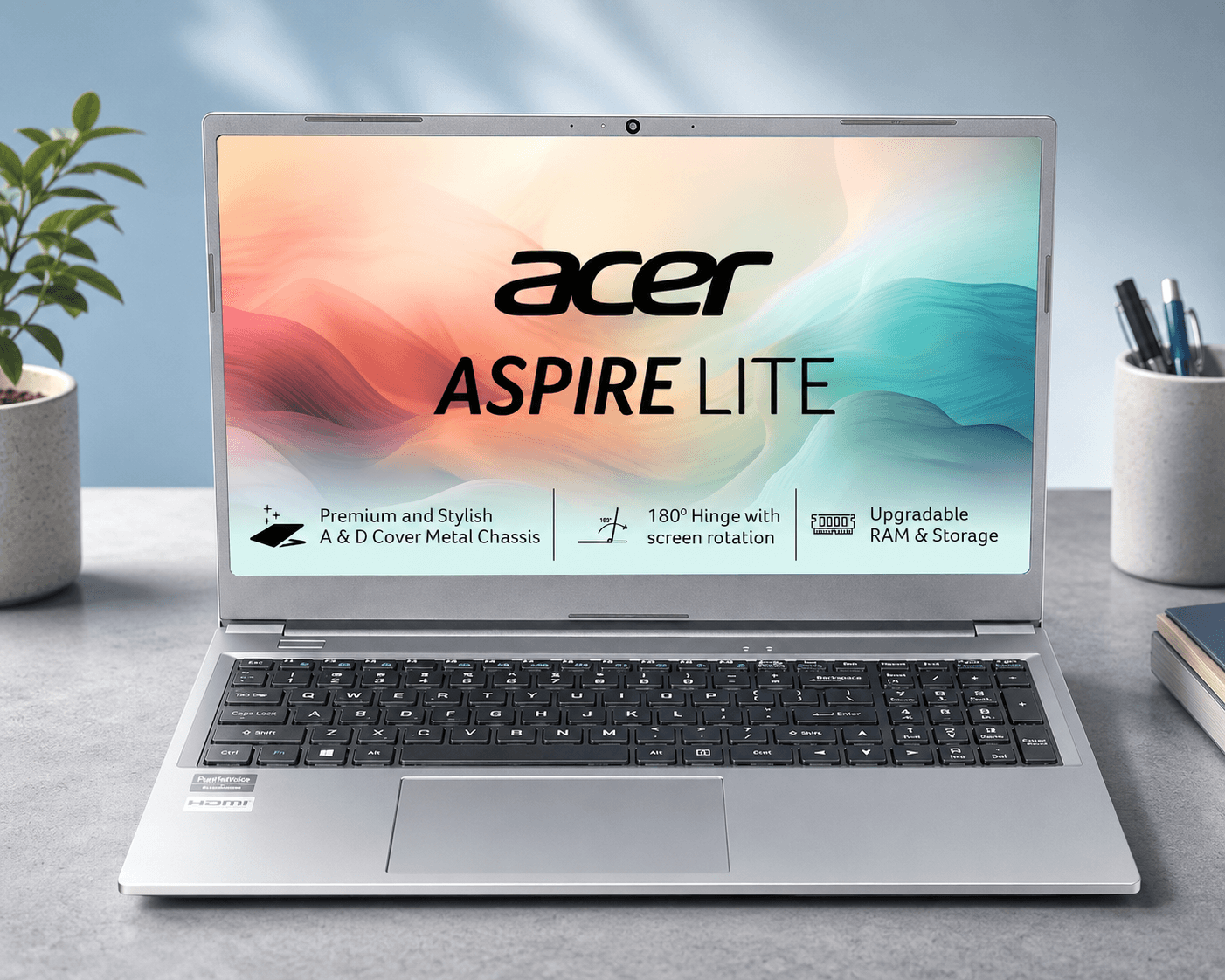
The Acer Aspire Lite AL15-52 sits slightly above our ₹50,000 target category, but its specifications and upgrade options may appeal to buyers who have some flexibility in their budget.
It offers an Intel Core i3-1215U, 8GB DDR4 RAM, and a 512GB SSD. RAM can be expanded to 64GB and storage to 1TB.
Why We Picked It
- Intel Core i3-1215U
- 8GB DDR4 RAM
- RAM expandable up to 64GB
- 512GB SSD
- Storage expandable to 1TB
- 15.6-inch Full HD IPS display
- Intel UHD Graphics
- 54Wh battery
- Backlit keyboard
Who Should Buy It?
Choose it if long-term upgradeability and its overall configuration matter more to you than staying strictly within the ₹50,000 budget.
Who Should Skip It?
If ₹50,000 is your absolute budget limit, consider one of the other models in this list instead.
Check Price on Amazon5. Acer One 15 — Best Cheap 512GB Option
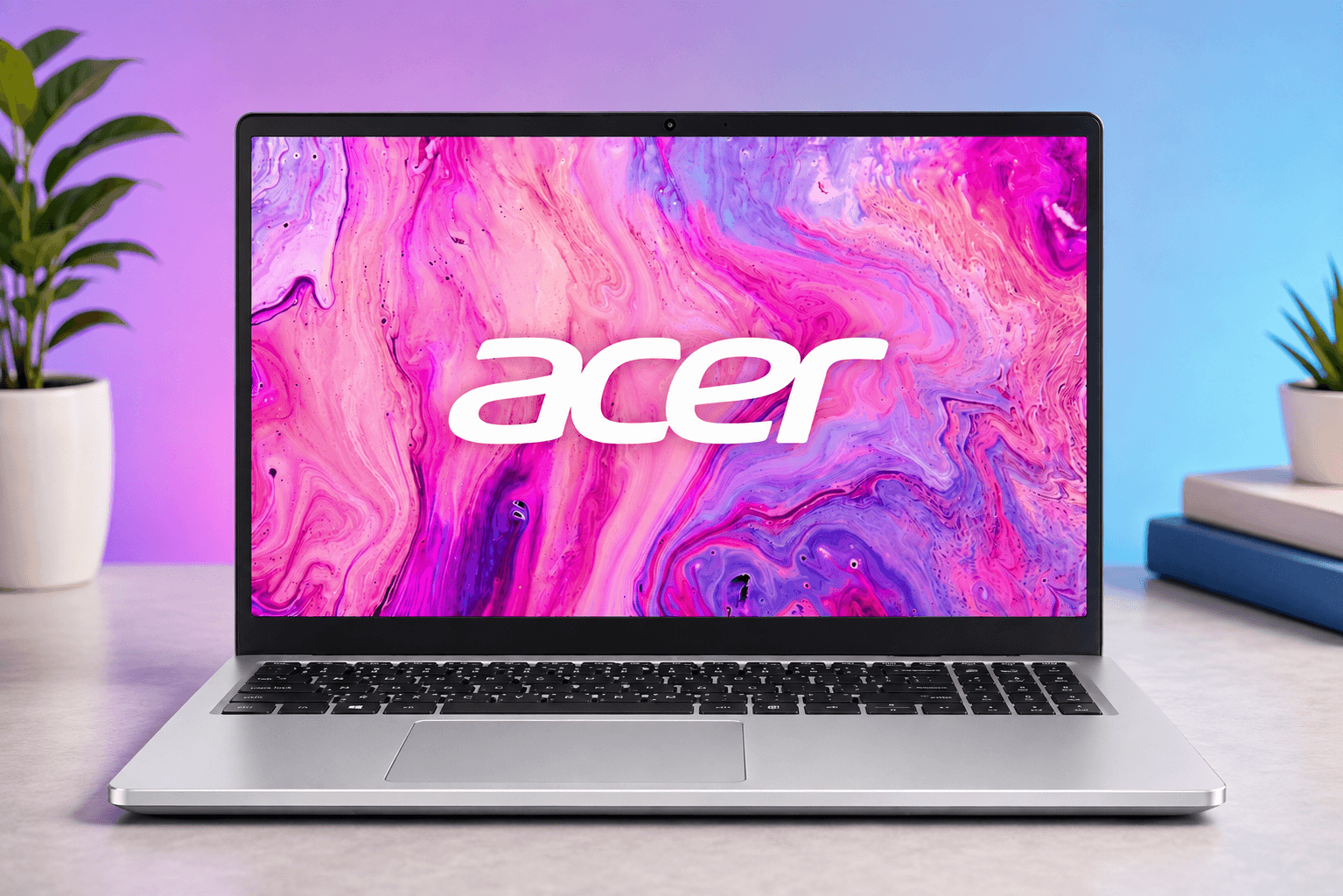
The Acer One 15 is our entry-level option for buyers who want 512GB SSD storage and straightforward everyday performance.
It uses an AMD Ryzen 3 7320U, 8GB LPDDR5 RAM, 512GB NVMe SSD, and AMD Radeon 610M graphics.
Why We Picked It
- AMD Ryzen 3 7320U
- 8GB LPDDR5 RAM
- 512GB NVMe SSD
- 15.6-inch Full HD display
- AMD Radeon 610M graphics
- Wi-Fi 6
- Microsoft Office included
Who Should Buy It?
A good option for students and everyday users who want a laptop with 512GB SSD storage for writing, browsing, online classes, and routine office tasks.
Who Should Skip It?
Avoid it if you expect to run many applications simultaneously or want the ability to upgrade RAM later. Its 8GB memory is not upgradeable.
Check Price on AmazonWhich Laptop Should You Buy?
The best choice depends on what matters most to you.
Best Overall — Acer Aspire Lite AL15-53
The Acer Aspire Lite AL15-53 is our overall choice because it offers a good combination of processor performance, 512GB storage, an IPS display, upgradeable RAM, and useful connectivity.
It’s a good option for students, office users, and general everyday computing.
Best Upgrade Value — Acer Aspire Lite AL15-41
The Acer Aspire Lite AL15-41 is worth considering if upgradeability is important to you.
It starts with 8GB RAM and a 256GB SSD but provides room to upgrade both memory and storage later.
Best Budget + Office — Lenovo V15 G4
The Lenovo V15 G4 is a practical choice for students and office users.
Its 512GB SSD, 65Wh battery, relatively light 1.57kg weight, and included Microsoft Office make it an attractive everyday laptop.
Best Battery & Upgrade Path — Acer Aspire Lite AL15-52
The Acer Aspire Lite AL15-52 is the option to consider if you prioritize upgradeability and battery life.
However, this model may fall outside your ₹50,000 budget, so check its current Amazon.in price before buying.
If your budget is strictly ₹50,000, consider another model from the list.
Best Cheap 512GB Option — Acer One 15
The Acer One 15 is worth considering if you want a 512GB SSD for basic everyday use.
It offers storage for documents, applications, and other files, making it a practical option for students and everyday users.
The main disadvantage is that its 8GB RAM cannot be upgraded, so it isn’t the best choice if you expect your computing needs to increase over time.
Final Verdict
If you’re looking for the best laptop under 50000, the Acer Aspire Lite AL15-53 is our overall choice.
It offers a good balance of processor performance, storage, display quality, and upgradeability, making it a well-rounded option for everyday use.
The Acer Aspire Lite AL15-41 is a good alternative if you value future upgrades, while the Lenovo V15 G4 is particularly suitable for students and office users.
If you’re willing to be flexible with your budget, the Acer Aspire Lite AL15-52 offers strong upgrade potential.
And if your main priority is getting 512GB of storage for everyday tasks, the Acer One 15 is worth considering. Keep in mind that its RAM cannot be upgraded.
Remember that these are budget laptops with integrated graphics. They’re best suited to everyday computing, study, office work, browsing, streaming, and basic multitasking, rather than demanding gaming or professional graphics workloads.
Frequently Asked Questions
Which is the best laptop under ₹50,000 in India in 2026?
Our overall pick is the Acer Aspire Lite AL15-53. It combines an Intel Core 3-100U processor, 512GB SSD, Full HD IPS display, and RAM upgrade support up to 32GB.
Which laptop under ₹50,000 has the best upgrade options?
The Acer Aspire Lite AL15-41 supports up to 32GB RAM and up to 1TB storage. The Acer Aspire Lite AL15-52 supports up to 64GB RAM and is worth considering if upgradeability is a priority. Check its current Amazon.in price to see whether it fits your budget.
Which laptop is best for students under ₹50,000?
The Acer Aspire Lite AL15-53 and Lenovo V15 G4 are both practical choices for students. The Lenovo also includes Microsoft Office 2021 and has a 65Wh battery.
Is 8GB RAM enough for a laptop under ₹50,000?
8GB can handle everyday browsing, Office work, study, video calls, and basic multitasking. If you regularly use many applications at once, choosing a model with upgradeable RAM is preferable.
Which laptop under ₹50,000 has the best battery life?
The Acer Aspire Lite AL15-52 has the highest stated battery-life figure among these selections, with up to 11 hours claimed in the provided specifications. Actual battery life can vary depending on usage, settings, and workload.
Can these laptops be used for gaming?
These laptops use integrated graphics rather than dedicated gaming GPUs. They are primarily intended for everyday computing, study, office work, browsing, streaming, and general use rather than demanding modern games.