
Introduction
Finding the right laptop for writing isn’t just about choosing the fastest processor. A good laptop for writers should have a comfortable keyboard, a clear display, reliable battery life, enough performance for research and multitasking, and a design that’s comfortable to carry and use for long writing sessions.
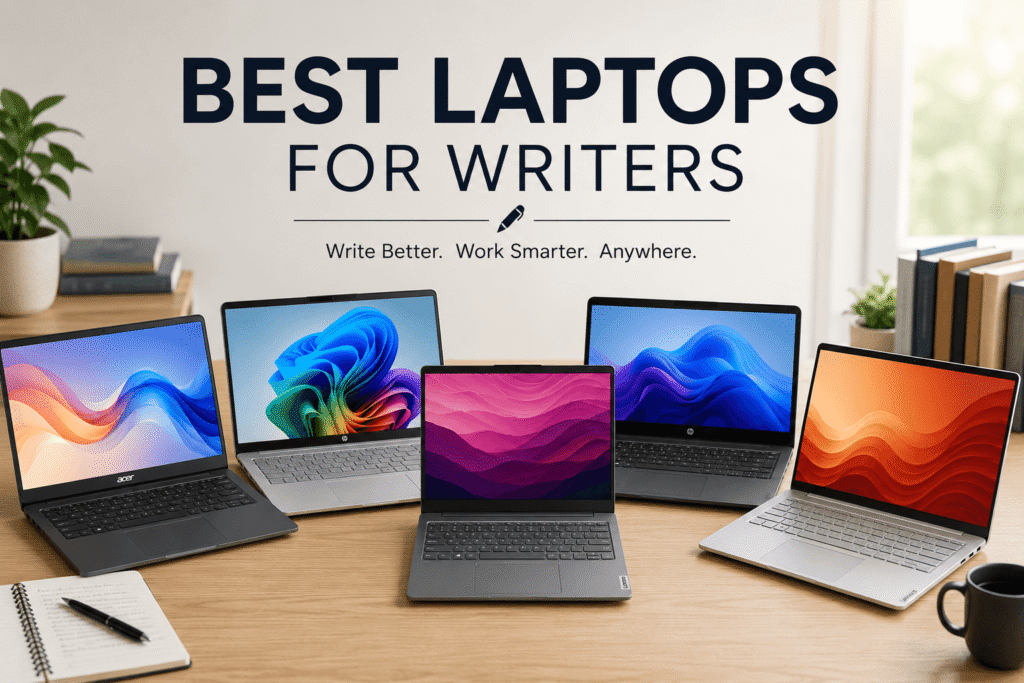
For this guide, we researched and compared laptops based on keyboard comfort, display quality, battery life, processor performance, RAM, storage, and portability. We selected five models that offer different strengths and features, so you can choose the one that best fits your writing needs and preferences.
Affiliate Disclosure: We may earn a commission from qualifying purchases made through links in this article, at no extra cost to you.
Quick Comparison: Best Laptops for Writers
| Laptop | Best For | Processor | RAM | Display | Brightness | Weight | Buy |
|---|---|---|---|---|---|---|---|
|
Acer Aspire 14
Best Overall
|
Overall writing | Core Ultra 5 226V | 16GB | 14″ FHD Touch | 300 nits | 3.04 lb | Check Price |
|
HP OmniBook 3 16
Best Budget
|
Budget writers | Ryzen 3 7320U | 8GB | 16″ 1920×1200 | 300 nits | 3.6 lb | Check Price |
|
Acer Aspire 16 AI
Best Battery Life
|
Battery & large screen | Snapdragon X | 16GB | 16″ 120Hz Touch | 350 nits | 3.42 lb | Check Price |
|
Lenovo IdeaPad Slim 3i 15.3″
Best Value
|
Value & productivity | Ryzen 7 170 | 16GB | 15.3″ 1920×1200 | 300 nits | 3.49 lb | Check Price |
|
HP OmniBook 3 16
Best Premium
|
Premium writing | Ryzen AI 5 430 | 16GB | 16″ 1920×1200 Touch | 300 nits | 3.6 lb | Check Price |
What Makes a Good Laptop for Writers?
Choosing a laptop for writing isn’t just about getting the fastest processor. Writers typically spend hours typing, reading, researching, and working with documents, so keyboard comfort, display quality, battery life, portability, and everyday performance are more important than raw processing power.
Here are the main things to consider when choosing a laptop for writing.
Keyboard Comfort
The keyboard is arguably the most important part of a laptop for writers. If you’re going to spend several hours a day typing, the keys should feel comfortable and responsive.
Look for a laptop with:
- Comfortable key travel and feedback
- Well-spaced keys
- A full-size layout where possible
- A backlit keyboard for working in low-light environments
- A comfortable palm rest
A backlit keyboard isn’t essential, but it’s a useful feature if you frequently write at night or in dim environments.
Display Quality
Writers spend a lot of time looking at text, so a clear and comfortable display can make long writing sessions easier.
For most writers, a 14- to 16-inch display is a good range. A larger screen gives you more space to have a document and research sources open at the same time, while a smaller 14-inch laptop is generally easier to carry.
Also consider:
- At least 1920×1200-class resolution
- Around 300 nits or higher brightness
- Good viewing angles
- A display that handles reflections reasonably well
- Touchscreen if you find it useful
You don’t necessarily need an OLED display for writing. A good IPS display can provide clear text while potentially offering better battery efficiency and a lower price.
Battery Life
Long battery life is especially useful for writers who work away from a desk.
If you write at coffee shops, libraries, during travel, or in places where power outlets aren’t always available, look for a laptop that can provide good all-day battery life.
Keep in mind that manufacturers’ battery estimates are often measured under specific test conditions. Real-world battery life can vary depending on screen brightness, applications, Wi-Fi usage, and workload.
For this reason, treat advertised battery figures as a guideline rather than a guarantee.
Processor Performance
Writing itself isn’t a demanding workload. Microsoft Word, Google Docs, web browsing, email, research, and video calls don’t require a high-end processor.
Modern processors from Intel, AMD, Apple, and Qualcomm can all provide enough performance for writing.
Instead of choosing a laptop purely based on CPU speed, consider the overall balance between:
- Everyday responsiveness
- Multitasking performance
- Battery efficiency
- Heat and fan noise
- Price
A faster processor can be useful if you also edit videos, work with large files, run demanding applications, or regularly multitask with many programs.
RAM and Storage
For most writers, 16GB of RAM is a good target.
It provides enough headroom for writing applications, browser tabs, research, video calls, and other programs running at the same time.
8GB can still work for basic writing and browsing, especially on an affordable laptop, but 16GB is preferable if you want the laptop to remain comfortable to use for several years.
For storage, I’d recommend at least 512GB SSD when the budget allows. An SSD provides fast startup and application loading, while 512GB gives you more room for documents, photos, applications, and other files.
Portability and Weight
If you’re going to carry your laptop regularly, weight matters.
A laptop around 3–3.5 pounds can be much more convenient for commuting and travel than a heavier 16-inch model.
However, don’t automatically choose the lightest laptop. A larger 15- or 16-inch screen can be more comfortable for writers who spend most of their time working at a desk.
Think about how you work:
- Travel frequently: 13–14 inches and around 3 pounds is ideal.
- Mostly work at home: 15–16 inches can provide a more comfortable workspace.
- Need both: A lightweight 14- or 15-inch model offers a good compromise.
macOS vs. Windows
Both macOS and Windows are excellent choices for writers, so the better option depends largely on your preferences and the software you use.
MacBooks are attractive to writers because of their excellent trackpads, efficient Apple silicon processors, long battery life, and generally quiet operation. They’re particularly appealing if you already use an iPhone or other Apple devices.
Windows laptops offer much more variety. You can find affordable models as well as premium laptops, and there are more choices for screen sizes, ports, hardware configurations, and software compatibility.
For most writing tasks, don’t choose between Mac and Windows based solely on performance. Consider the operating system you’re comfortable with, the applications you need, your other devices, and your budget.
Bottom line: For writers, the best laptop is usually the one that provides a comfortable keyboard, clear display, long battery life, enough RAM and storage, and a weight that fits your lifestyle—not necessarily the laptop with the most powerful processor.
5 Best Laptops for Writers in 2026
After researching and comparing laptops based on keyboard comfort, display quality, battery life, processor performance, RAM, storage, portability, and overall features, these are our five recommended laptops for writers.
Acer Aspire 14 — Best Overall Laptop for Writers
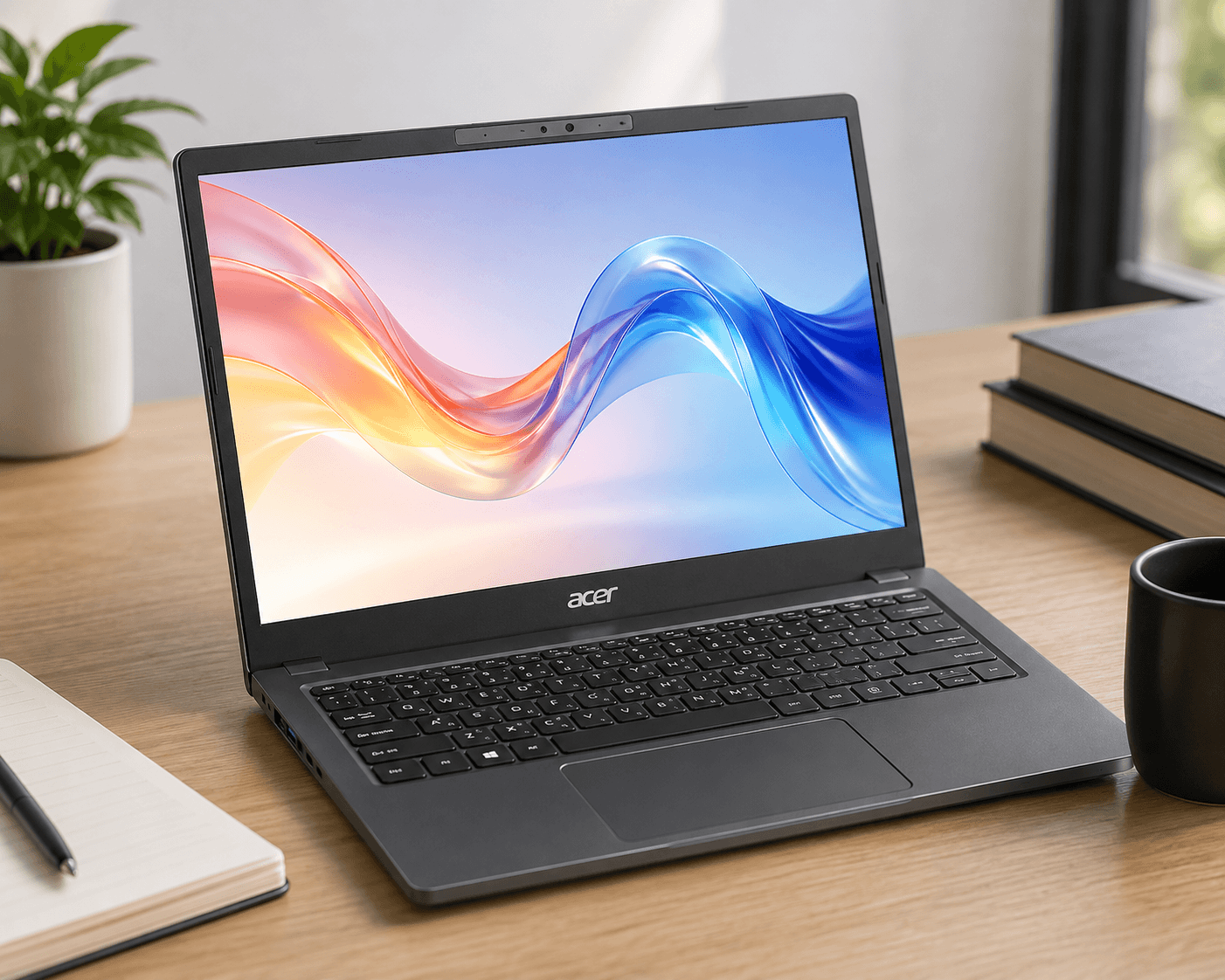
The Acer Aspire 14 is our best overall pick because it offers a strong balance of performance, portability, keyboard features, and display quality.
It comes with 16GB of RAM, an Intel Core Ultra 5 226V processor, a 14-inch touchscreen, and a backlit keyboard. At just 3.04 pounds, it is also the lightest laptop in our selection.
- Processor: Intel Core Ultra 5 226V
- RAM: 16GB
- Storage: 256GB SSD
- Display: 14-inch touchscreen
- Resolution: 1920 × 1080
- Brightness: 300 nits
- Keyboard: Backlit
- Webcam: 1080p
- Battery: 65Wh
- Weight: 3.04 lb
Why It’s Good for Writers
The combination of 16GB RAM, a backlit keyboard, a compact 14-inch display, and low weight makes the Aspire 14 particularly well suited to writers who work for long periods or frequently carry their laptop between locations.
Who Should Buy It?
- Writers who want a lightweight laptop
- Users who want 16GB RAM
- People who prefer a 14-inch screen
- Writers who work in different locations
- Users who want a backlit keyboard
Who Shouldn’t Buy It?
The 256GB SSD may feel limiting if you store many large files locally. Writers who prefer a large 15- or 16-inch display may also prefer one of the larger laptops below.
Check Price on Amazon →HP OmniBook 3 16 — Best Budget Laptop for Writers
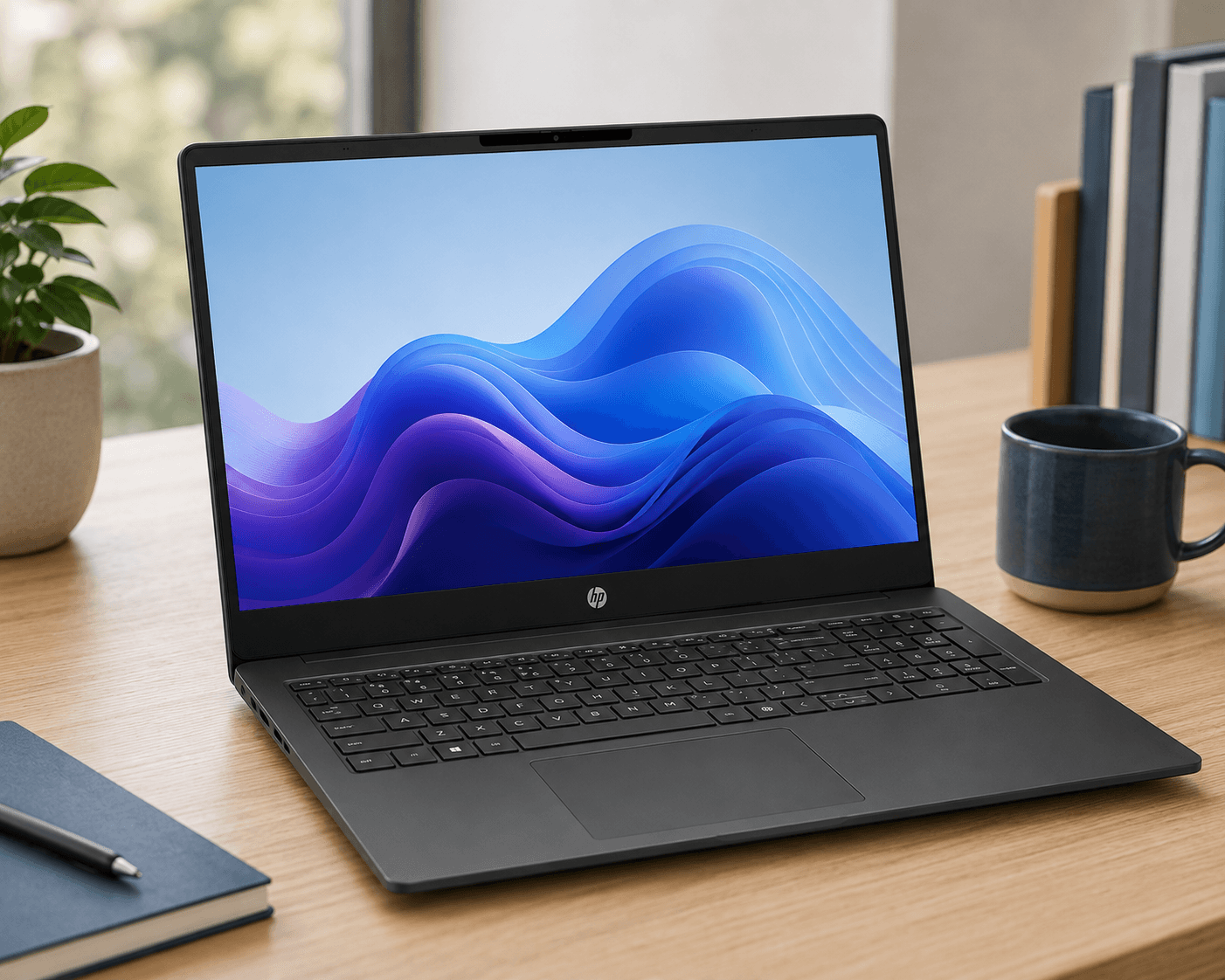
If your priority is a large screen for everyday writing, the HP OmniBook 3 16 is our budget-oriented option in this guide.
It gives you a 16-inch touchscreen with a 1920 × 1200 resolution, making it a practical choice for basic writing, browsing, research, and everyday work.
- Processor: AMD Ryzen 3 7320U
- RAM: 8GB
- Storage: 256GB SSD
- Display: 16-inch IPS touchscreen
- Resolution: 1920 × 1200
- Brightness: 300 nits
- Keyboard: Non-backlit
- Webcam: 1080p
- Weight: 3.6 lb
Why It’s Good for Writers
Its biggest advantages are the large 16-inch display and straightforward configuration. The extra screen space can be useful when writing while researching online or working with multiple windows.
The Compromises
This is an entry-level laptop, so it has some limitations. It comes with 8GB of RAM and 256GB of storage, and the keyboard is not backlit. These specifications are adequate for basic writing, but users who multitask heavily may prefer a 16GB laptop.
Who Should Buy It?
- Budget-conscious writers
- Students
- Casual writers
- People who prefer a large screen
- Users who don’t need heavy multitasking
Who Shouldn’t Buy It?
If you regularly use many browser tabs and applications at the same time, a laptop with 16GB of RAM would be a better choice.
Check Price on Amazon →Acer Aspire 16 AI — Best Battery Life for Writers
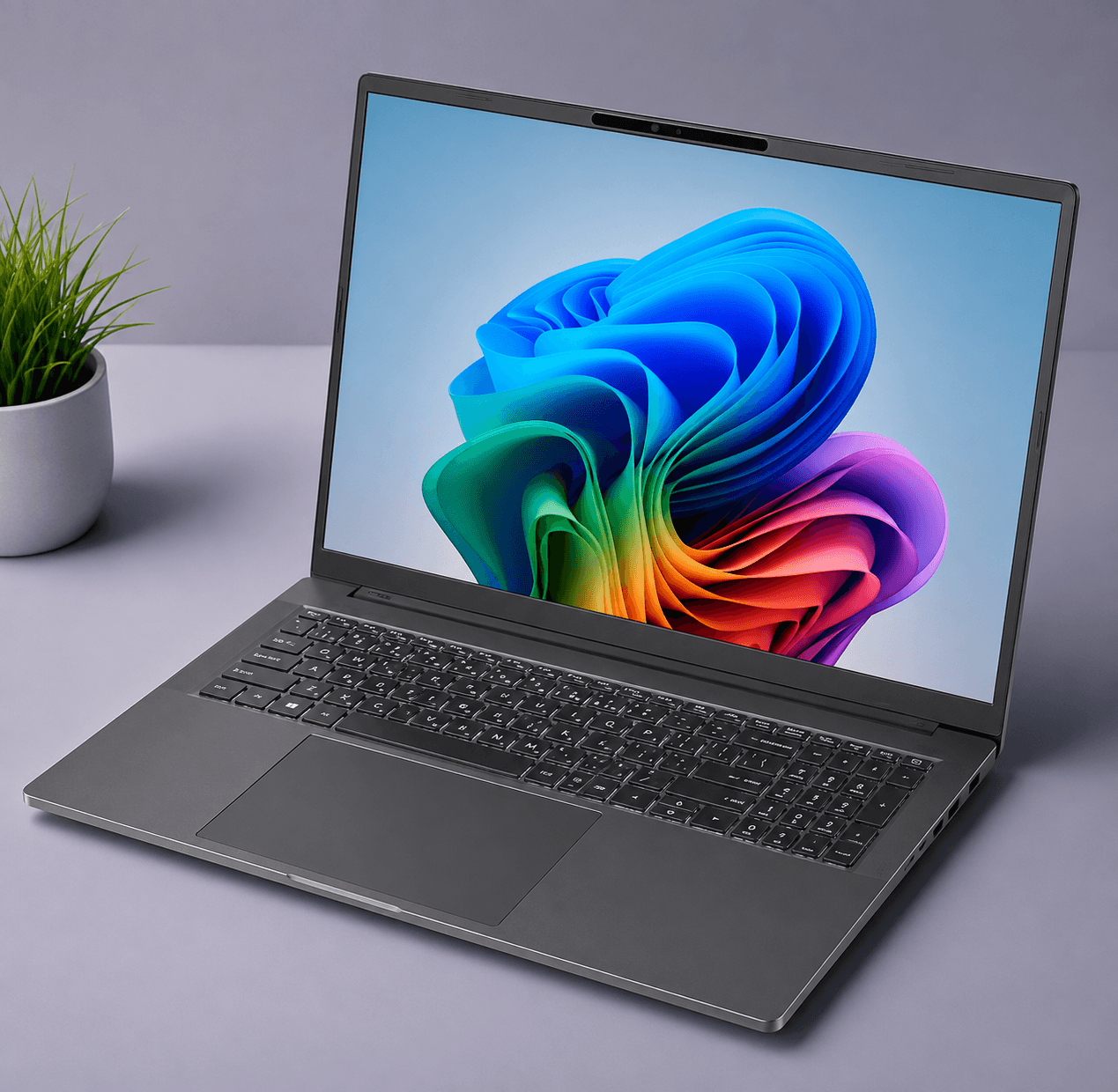
The Acer Aspire 16 AI stands out for its combination of a large 16-inch display, lightweight design, and long claimed battery life.
It uses a Snapdragon X X1-26-100 processor and comes with 16GB of RAM and a 512GB SSD. Its 350-nit display is also the brightest display among the five laptops in this guide.
- Processor: Snapdragon X X1-26-100
- RAM: 16GB
- Storage: 512GB SSD
- Display: 16-inch IPS touchscreen
- Resolution: 1920 × 1200
- Refresh rate: 120Hz
- Brightness: 350 nits
- Keyboard: Backlit
- Weight: 3.42 lb
- Wi-Fi: Wi-Fi 7
- Claimed battery life: Up to 18 hours
Why It’s Good for Writers
The Aspire 16 AI is particularly appealing if you want a large screen without carrying a very heavy laptop. At 3.42 pounds, it is relatively light for a 16-inch laptop.
The 16GB RAM and 512GB SSD also provide a more spacious configuration for long-term everyday use than the budget HP model.
A Note About Snapdragon Windows Laptops
The Aspire 16 AI uses a Qualcomm Snapdragon processor and Windows on an ARM-based platform. Most everyday writing applications work well on Windows ARM, but some specialized or older applications can have compatibility differences compared with traditional Intel and AMD Windows laptops.
Who Should Buy It?
- Writers who prioritize battery life
- People who want a large display
- Traveling writers
- Users who want 16GB RAM and 512GB storage
- Users who want Wi-Fi 7
Who Shouldn’t Buy It?
If you depend on older or specialized Windows software and want maximum compatibility, an Intel or AMD Windows laptop may be a safer choice.
Check Price on Amazon →Lenovo IdeaPad Slim 3i 15.3″ — Best Value Laptop for Writers
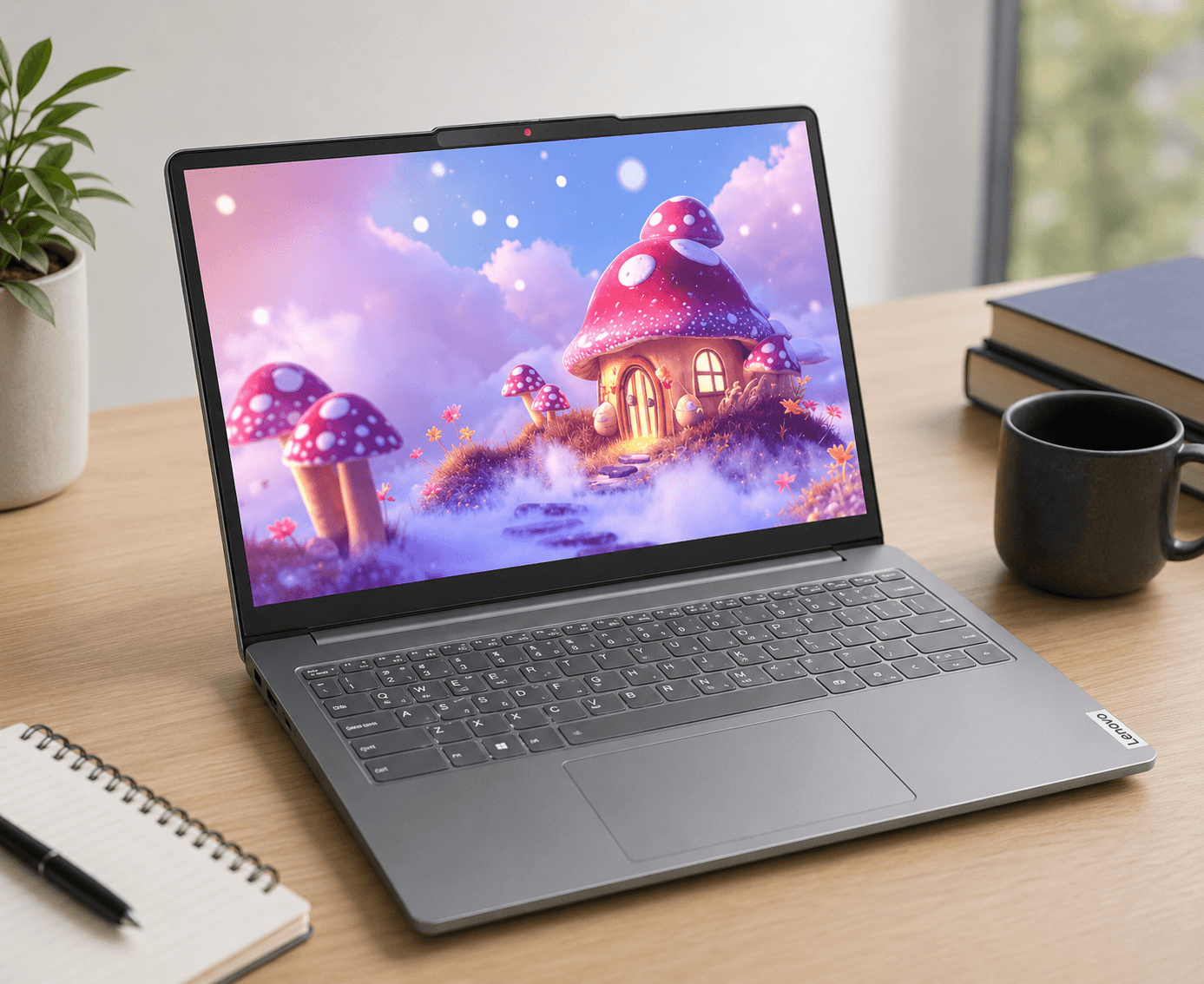
The Lenovo IdeaPad Slim 3i 15.3-inch is a strong option for writers who want a larger workspace, 16GB of RAM, and 512GB of storage.
It uses the AMD Ryzen 7 170, an 8-core processor with boost speeds of up to 4.75 GHz.
- Processor: AMD Ryzen 7 170
- Processor cores: 8
- Max boost: Up to 4.75 GHz
- RAM: 16GB
- Storage: 512GB SSD
- Display: 15.3-inch IPS touchscreen
- Resolution: 1920 × 1200
- Brightness: 300 nits
- Keyboard: Non-backlit
- Weight: 3.49 lb
- Claimed battery life: Up to 15 hours
Why It’s Good for Writers
The combination of 16GB RAM, 512GB storage, and a 15.3-inch display makes this a practical laptop for writers who want more workspace.
The larger screen can be useful when writing while researching online because you have more room to view multiple windows. It also includes a numeric keypad, which can be useful for writers who frequently work with numbers or spreadsheets.
The Biggest Downside
The keyboard is not backlit, which is a disadvantage compared with the Acer Aspire 14 and Acer Aspire 16 AI.
Who Should Buy It?
- Writers who want a larger screen
- Users who need 16GB RAM and 512GB storage
- Students
- Writers who work with spreadsheets or numbers
- People who want a balance of performance and features
Who Shouldn’t Buy It?
If a backlit keyboard is important to you, consider the Acer Aspire 14 or Acer Aspire 16 AI instead.
Check Price on Amazon →HP OmniBook 3 16 — Best Premium Laptop for Writers
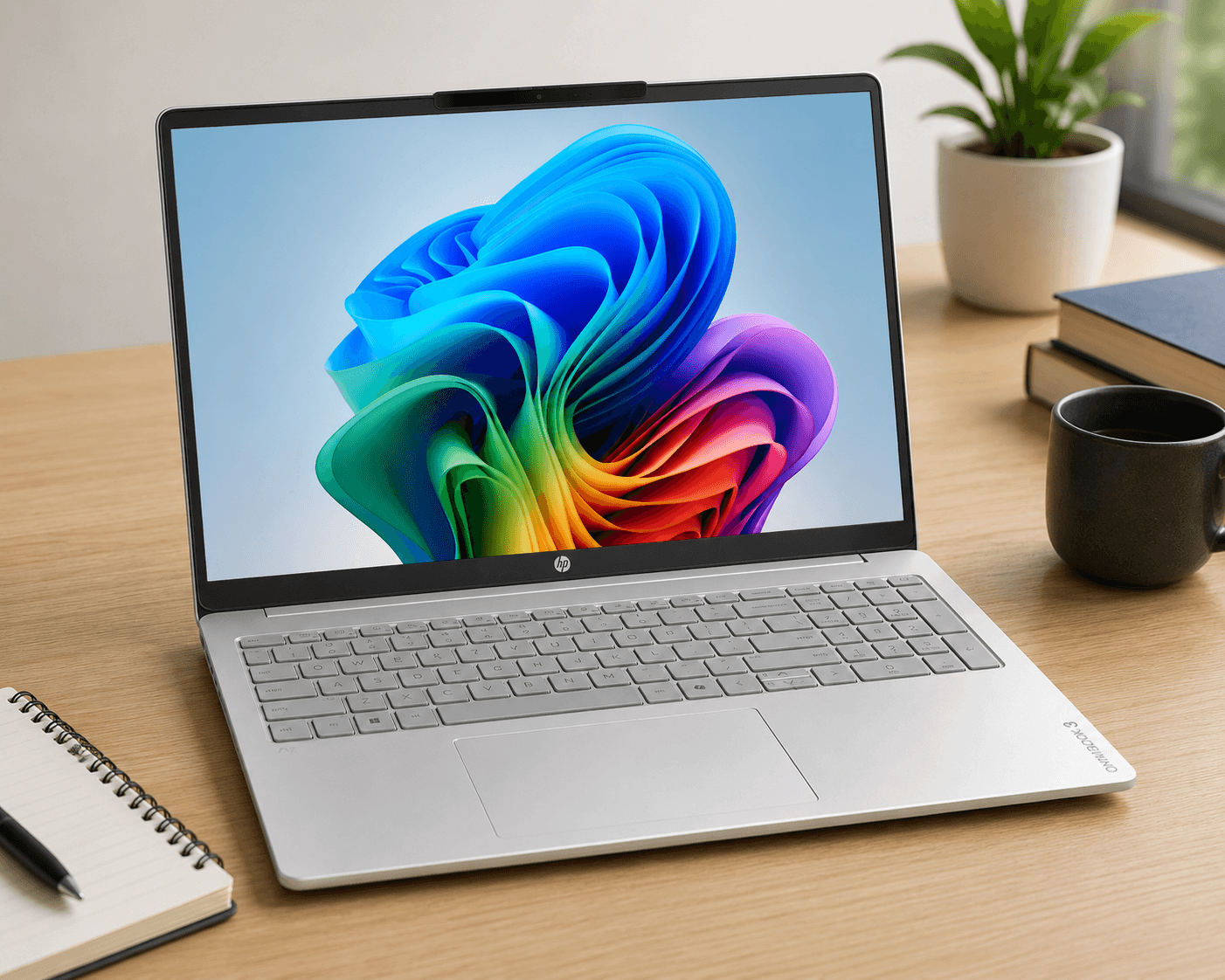
The HP OmniBook 3 16 with AMD Ryzen AI 5 430 offers a well-rounded configuration for writers who want a large display and features suited to everyday productivity.
It offers 16GB RAM, 512GB storage, a backlit keyboard, and a large 16-inch touchscreen, making it a strong option for writers who want a more fully equipped configuration.
- Processor: AMD Ryzen AI 5 430
- RAM: 16GB
- Storage: 512GB SSD
- Display: 16-inch IPS touchscreen
- Resolution: 1920 × 1200
- Brightness: 300 nits
- Keyboard: Backlit
- Webcam: 1080p
- Battery: 68Wh
- Weight: 3.6 lb
Why It’s Good for Writers
The HP gives you a well-rounded configuration with 16GB RAM, 512GB storage, a backlit keyboard, and a large 16-inch display.
The Ryzen AI 5 430 also gives the laptop a newer processor platform, making it suitable for users who want a laptop that can handle more than basic writing and browsing.
Is It Right for Your Needs?
If you mainly write documents, browse the web, and use Google Docs or Microsoft Word, you may not need all the features of this configuration. The Acer Aspire 14 and other options in this guide are also worth considering for everyday writing.
This HP model makes more sense if you specifically want the larger 16-inch screen, 16GB RAM, 512GB storage, backlit keyboard, and Ryzen AI processor platform.
Who Should Buy It?
- Writers who prefer a large screen
- Users who want 16GB RAM and 512GB storage
- Writers who multitask heavily
- Users who want a well-equipped configuration
Who Shouldn’t Buy It?
If your main goal is simply writing and everyday browsing, compare the specifications of the Acer Aspire 14 and the other options before deciding which features you actually need.
Check Price on Amazon →Final Verdict
For most writers, you don’t need the most powerful or expensive laptop. The things you’ll notice every day are a comfortable keyboard, clear display, good battery life, enough RAM for multitasking, and a weight that fits your lifestyle.
Among the five laptops we researched, the Acer Aspire 14 offers the best overall balance of portability, performance, keyboard features, and price. The HP OmniBook 3 16 is the best choice for a tighter budget, while the Acer Aspire 16 AI is particularly attractive if you prioritize battery life and a large display.
The Lenovo IdeaPad Slim 3i is a good option for users who want 16GB RAM, 512GB storage, and a larger screen, while the HP OmniBook 3 with Ryzen AI 5 is better suited to buyers looking for a more premium 16-inch configuration.
Whichever laptop you choose, focus on the features that actually matter for your writing workflow rather than paying extra for performance you may never use.
Frequently Asked Questions
What is the best laptop for writers?
The best laptop for writers depends on your priorities. The Acer Aspire 14 is our best overall pick because it combines a comfortable backlit keyboard, 16GB of RAM, a lightweight 3.04-pound design, and a modern Intel Core Ultra 5 processor.
How much RAM does a writer need in a laptop?
16GB of RAM is a good target for most writers. It provides enough headroom for writing applications, browser tabs, research, video calls, and other applications running at the same time. 8GB can still be sufficient for basic writing and browsing.
Is a MacBook good for writers?
Yes. MacBooks can be excellent for writers because of their comfortable keyboards, trackpads, battery efficiency, quiet operation, and high-quality displays. However, Windows laptops offer a much wider range of prices and hardware configurations.
Is Windows or Mac better for writing?
Both Windows and macOS are good choices for writing. Your decision should depend on the applications you use, your budget, your preferred operating system, and the devices you already own. You don’t need a particularly powerful computer for normal writing tasks.
What screen size is best for writers?
A 14- to 16-inch display is a good range for most writers. A 14-inch laptop is easier to carry, while a 15- or 16-inch screen provides more workspace for writing and researching at the same time.
Do writers need a powerful processor?
Most writers don’t need a high-end processor. Microsoft Word, Google Docs, web browsing, email, and video calls are relatively light workloads. A modern mid-range processor is generally more than enough unless you also perform demanding tasks such as video editing.
Is 8GB RAM enough for writing?
8GB can be enough for basic writing, web browsing, and document work. However, 16GB is preferable if you regularly use many browser tabs, multitask between applications, or want more headroom for future use.
How much storage does a writer need?
A 512GB SSD is a good target for most writers. It provides enough space for documents, applications, photos, research files, and other data. A 256GB SSD can work if you mainly use cloud storage and don’t keep many large files locally.
Is a backlit keyboard important for writers?
A backlit keyboard isn’t essential, but it can be very useful for writers who work at night or in dim environments. If you frequently write in low-light conditions, it’s a feature worth prioritizing.
What is the best budget laptop for writers?
Among the laptops in this guide, the HP OmniBook 3 16 with the Ryzen 3 7320U is our budget-oriented choice. It offers a large 16-inch display and is suitable for basic writing and everyday tasks, although its 8GB RAM, 256GB storage, and non-backlit keyboard are compromises.